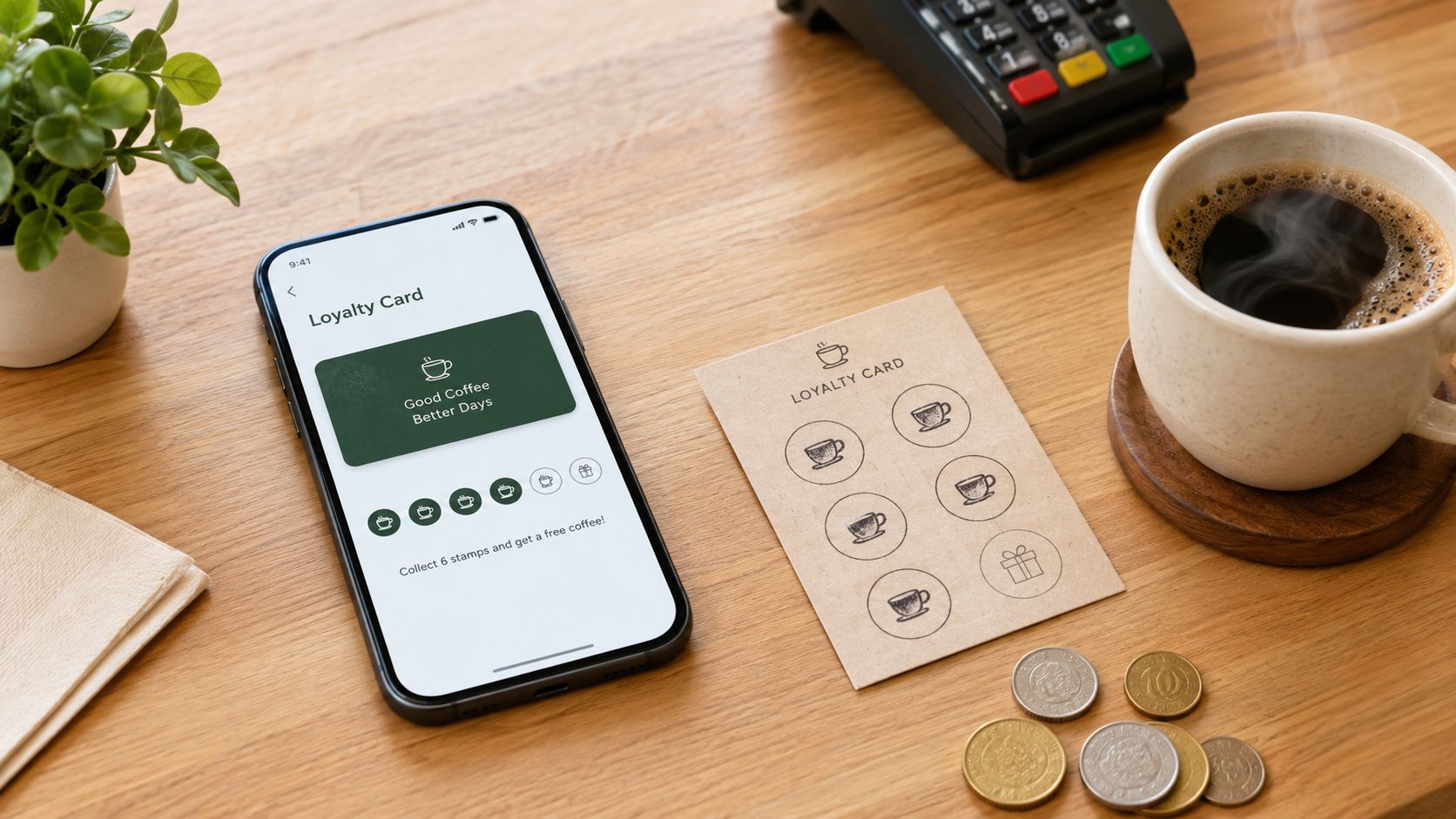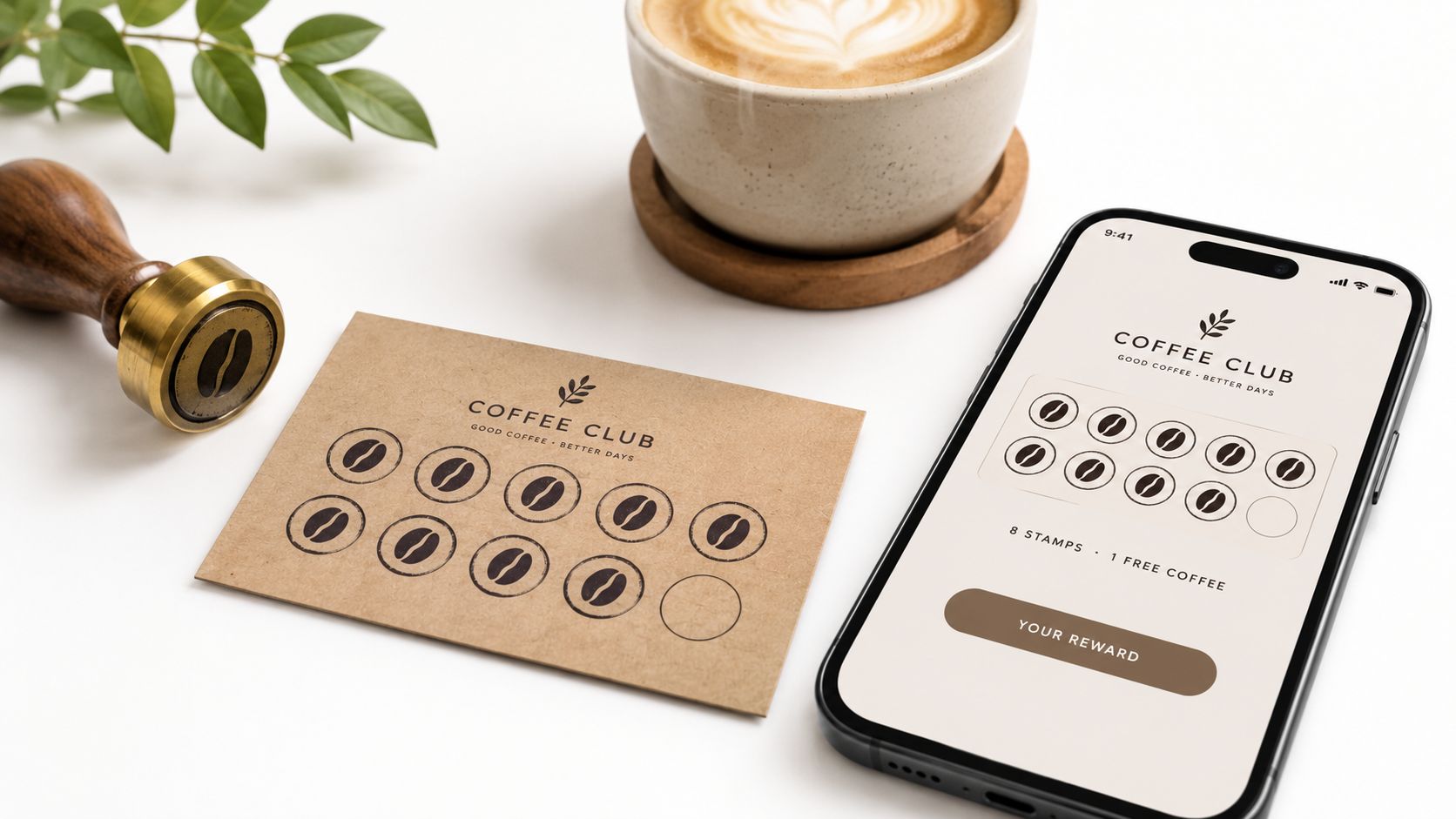
You've got a shoebox of paper punch cards behind the café counter. A customer has lost theirs again, and your manager forgot to stamp a regular's card during the morning rush. Moving loyalty onto a phone sounds sensible, until the software asks you to connect a POS system, buy hardware, or persuade customers to download another app.
The best loyalty program apps fit how your shop already runs. For a bakery, that might mean scanning a wallet card and adding a stamp. For a salon, it might mean awarding points against a treatment bill and sharing enrollment through Instagram.
Practical value matters more than elaborate mechanics. In Deloitte's consumer loyalty survey, 86% of respondents rated financial rewards, simplicity, and ease of use as important or very important.
Start with a hands-on trial from both sides of the counter. An attractive dashboard won't compensate for awkward enrollment or a reward your staff can't redeem confidently.
Table of Contents
- 1. Loyal Customer
- 2. Piqlo
- 3. PassQR Loyalty
- 4. Tap Loyalty
- 5. Rituro
- 6. BonusQR
- 7. Xtarly Rewards
- How the seven loyalty app options compare on program type, wallet support, and free plans
- Test Both Sides of the Counter Before You Commit
1. Loyal Customer
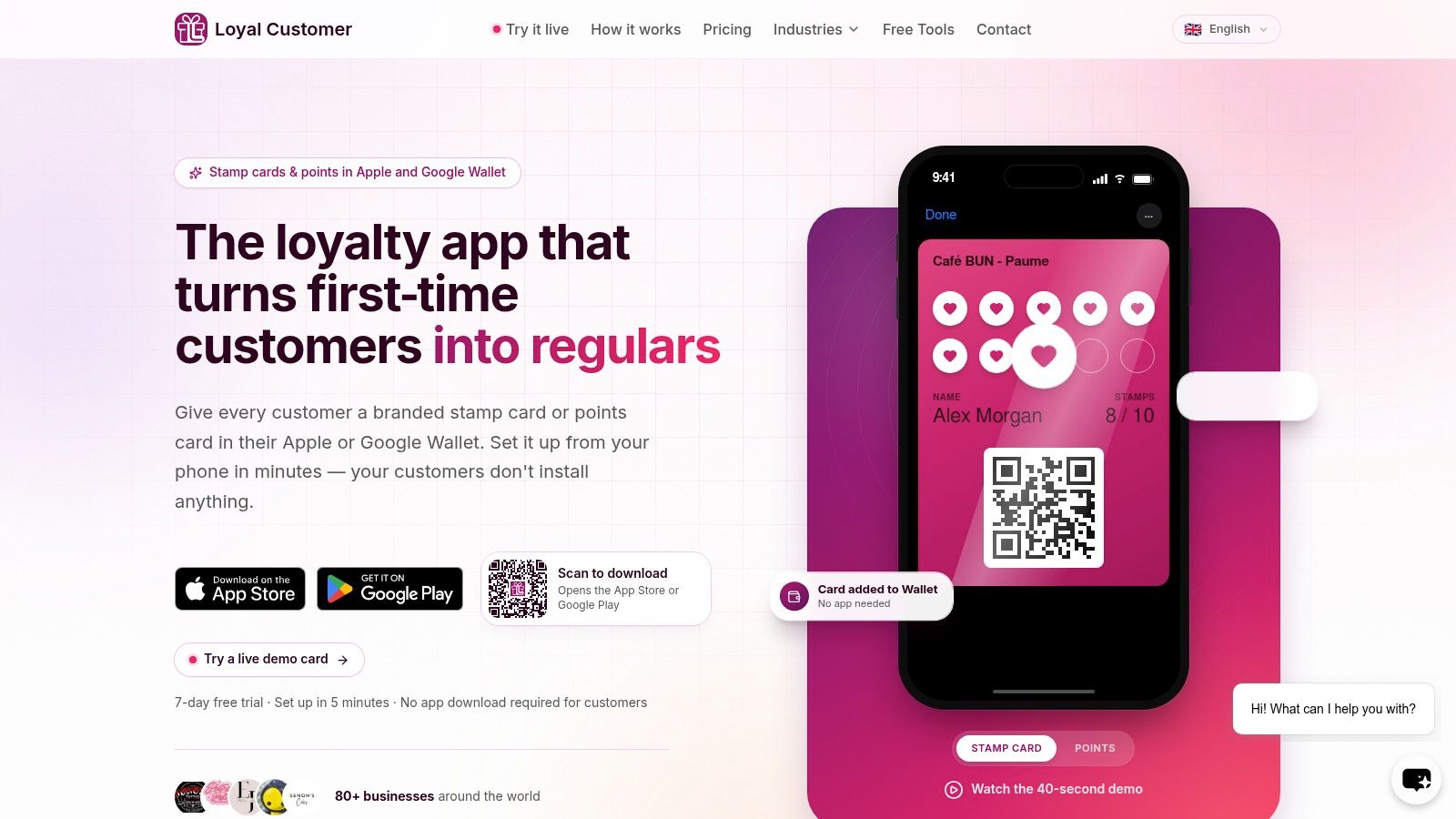
Loyal Customer fits owner-operated shops that want loyalty to run entirely from a phone. It offers one points program or one digital stamp card, with a branded pass saved to Apple Wallet or Google Wallet. Customers use the business's unique public link, verify their phone with a one-time code, and add the card directly to a wallet they already have. No customer app, POS connection, or extra scanner is required.
The setup flow supports a quick two-sided test. A step-by-step builder with a live preview shows the actual Wallet card before launch. After launch, enroll a test customer, scan the pass QR code in the merchant app, and add or redeem a balance at checkout. The card updates after each visit, and staff can locate customers by name, email, or phone.
What Works and What Needs Care
- Flexible rewards: Award stamps for repeat visits, or points per dollar spent and through custom spend tiers. You can set a welcome bonus and maximum-points cap; rewards can include a free item, fixed-amount discount, or percentage discount at a chosen threshold.
- Included in the plan: Up to 100 customer slots, a branded enrollment page and card design, unlimited offers, discounts and stamp rewards, Apple and Google Wallet integration, QR scanning, and email support.
- Important restriction: Each business runs one loyalty program, and its type cannot change after launch. Decide between stamps and points before starting the trial.
- Trial timing: The 7-day free trial begins at launch, and the plan can be cancelled at any time.
The operating limits make the fit clear. Loyal Customer works well when staff need a straightforward scan or customer lookup and customers only need their phone's wallet. I'd choose a POS-connected tool when purchases must be captured automatically; for phone-only operation, this is the first setup I'd test.
2. Piqlo
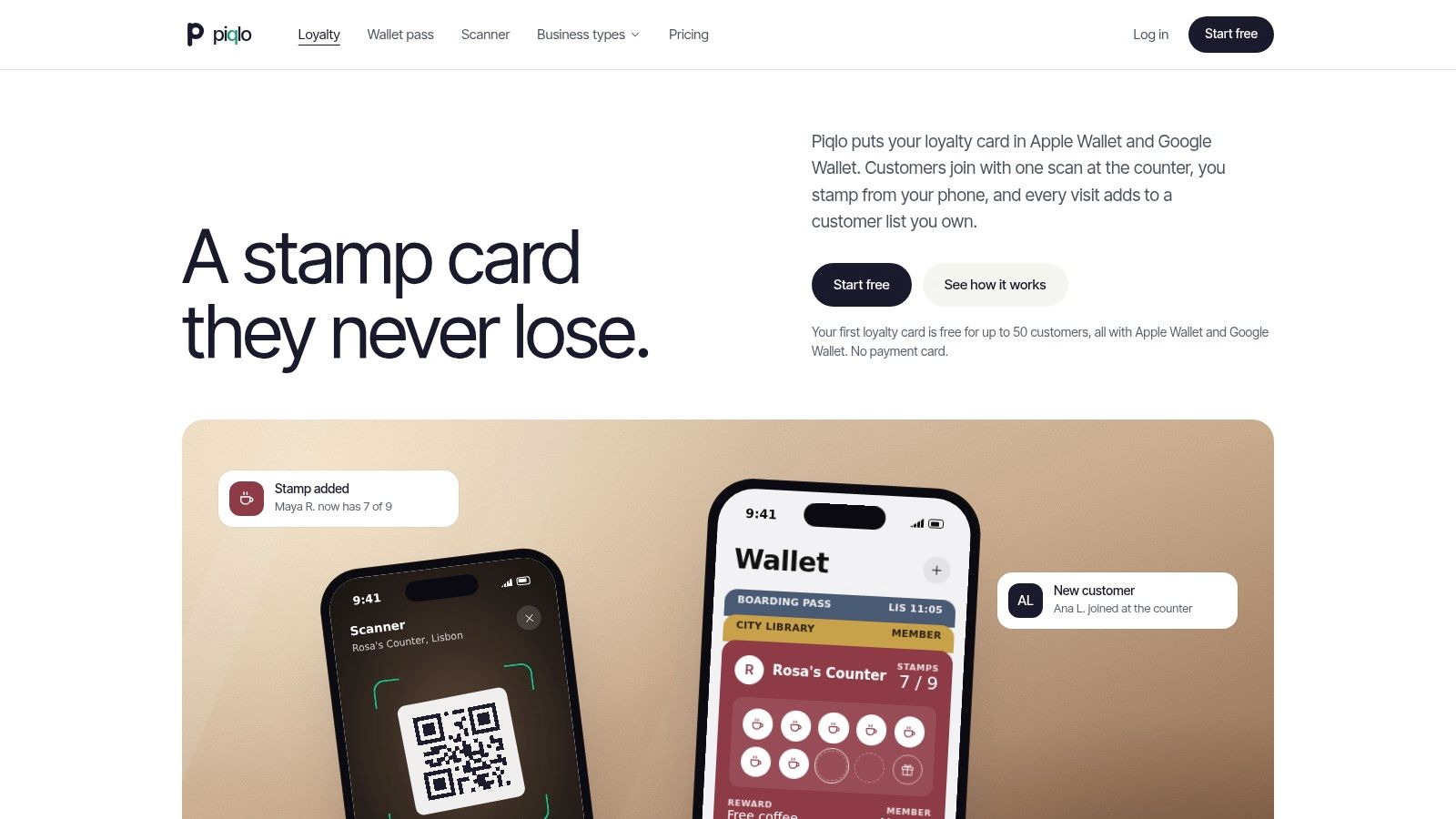
A small tea shop doesn't necessarily need marketing automation. It needs customers to join, show their card, and collect a reward without holding up the queue. Piqlo suits that narrower job, with stamp and points cards saved in Apple Wallet or Google Wallet.
Piqlo's free plan includes one card and up to 50 customers, while Pro supports two loyalty cards. Customers enroll through QR or NFC, and staff can manage rewards from the owner's phone. Paid options add branding, staff scanners, and location management.
Watch the Enrollment Ceiling
The free plan isn't a time-limited trial, which makes it useful for testing with actual regulars. However, enrollment pauses when the customer allowance is reached. Paid upgrades currently require contacting Piqlo for a promo code, so don't leave that step until customers are waiting to join.
- Owner-side advantage: Paid plans don't charge per staff seat, and QR or NFC destinations can be edited without reprinting the materials.
- Customer-side advantage: Customers can keep a wallet card rather than install a dedicated loyalty app.
- Main compromise: Free-plan branding and analytics are limited.
Test the staff scanner separately from the owner account. Make sure an employee can issue the right reward without needing access to settings or your personal phone.
Piqlo is a practical shortlist choice when a continuing free starting point matters more than detailed reporting.
3. PassQR Loyalty
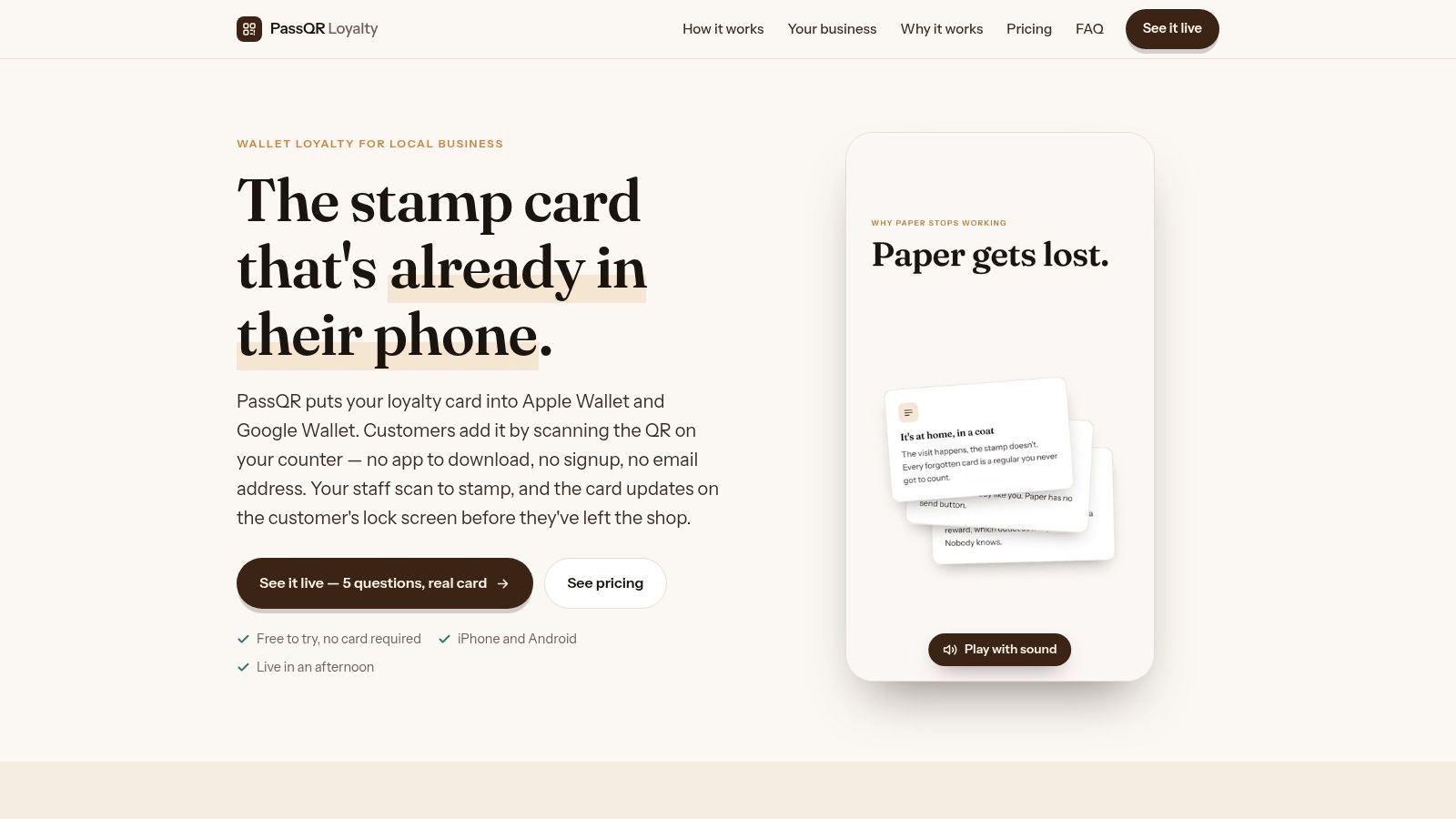
PassQR Loyalty puts the digital punch card first. Customers scan a counter QR code, add a card to Apple Wallet or Google Wallet, and present it when buying. Staff issue stamps through a browser-based scanner on a phone or tablet.
PassQR Loyalty offers a free plan, stamp and reward updates on the wallet card, and an offline stamp queue that syncs when connectivity returns. That last feature deserves a deliberate trial if your counter Wi-Fi drops or you trade at markets.
A card that opens offline and a stamp transaction that syncs later are different capabilities. Test both before relying on either.
Easy Enrollment Has a Recovery Trade-Off
By default, customers don't need to create an account. That removes an enrollment step, but a customer who loses their phone and supplied no contact details may also lose their card and accumulated stamps.
The guide to choosing an app for rewards cards is useful when deciding how wallet access should fit the customer journey. For PassQR, the deciding question is whether simple enrollment outweighs the need for stronger recovery information.
Choose it for familiar visit-based rewards, not complex spend-based points. Optional broadcasts, geofencing, and counter-beacon features expand the offering, but some cost extra and beacon hardware is separate.
Keep the initial trial focused on joining, stamping, and redeeming. Add promotional features only after staff can run those tasks without coaching.
4. Tap Loyalty
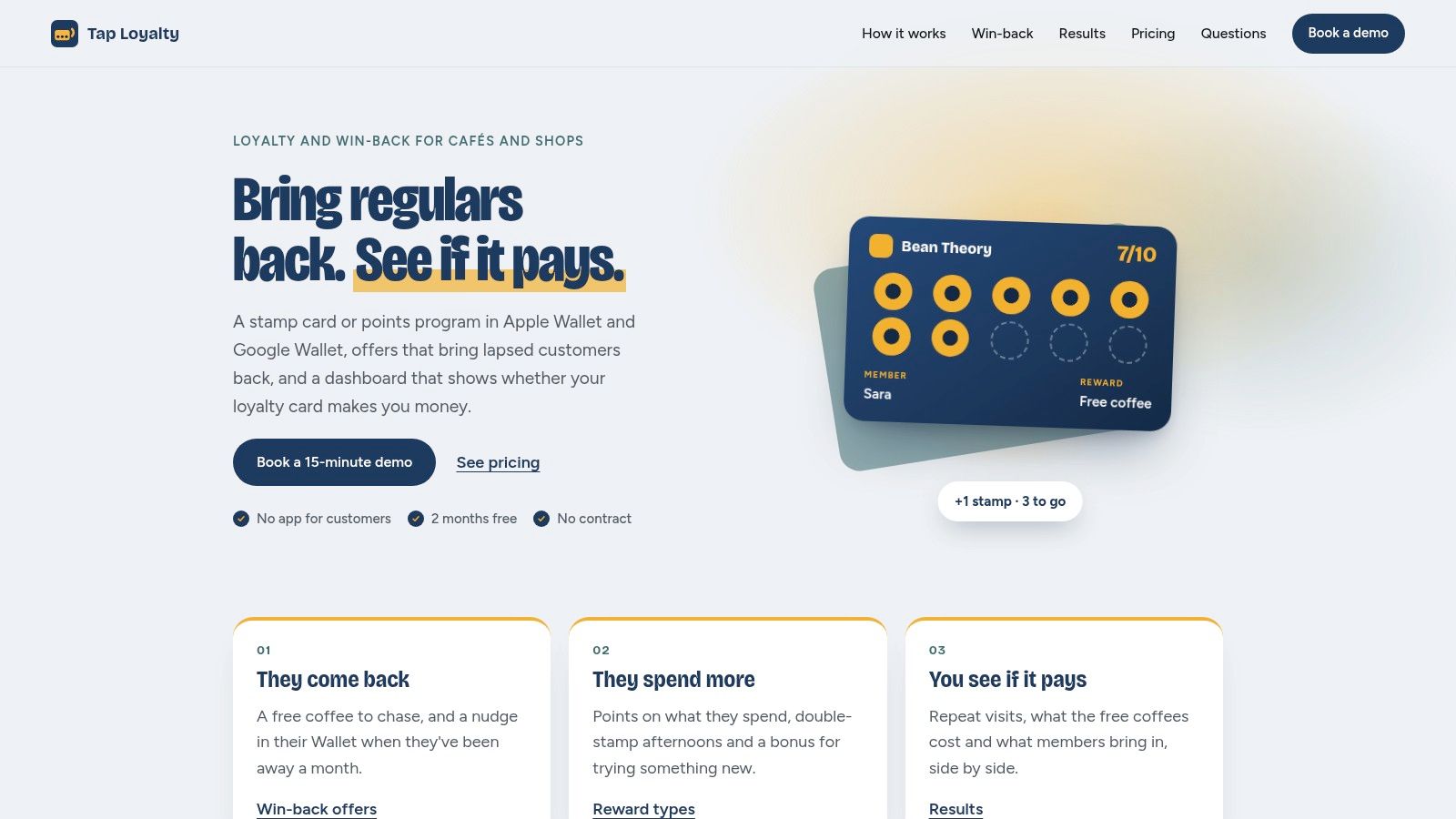
Tap Loyalty is the stronger fit when a café wants to measure win-back offers, rather than just replace a paper card. It supports wallet-based stamps and points, with points based on spend, menu items, or both.
Tap Loyalty lists pricing at $29 per month per venue, advertises two months free, and limits its founding-café half-price offer to the first 10 venues. There's no contract, but hardware compatibility still belongs in your buying decision.
Test the Counter Device First
The NFC workflow requires a relatively recent Android phone; QR scanning is an alternative. Customers don't need to download an app, but merchants shouldn't assume their existing counter phone will support their preferred interaction.
- What it does well: Win-back campaigns include a comparison group, and the dashboard covers repeat visits, redemptions, and estimated campaign revenue.
- What stays manual: Purchases aren't automatically captured without a POS connection or another integration.
- Where it can grow: API and webhook access provide an optional integration route.
For a takeaway, test an order containing both eligible and ineligible menu items. Staff should understand what earns points without doing awkward mental arithmetic while handing over food.
Treat estimated campaign revenue as an estimate, not proof that every returning customer came back because of the offer. Tap is most useful when you'll review campaign results and adjust offers, rather than leave the dashboard untouched.
5. Rituro
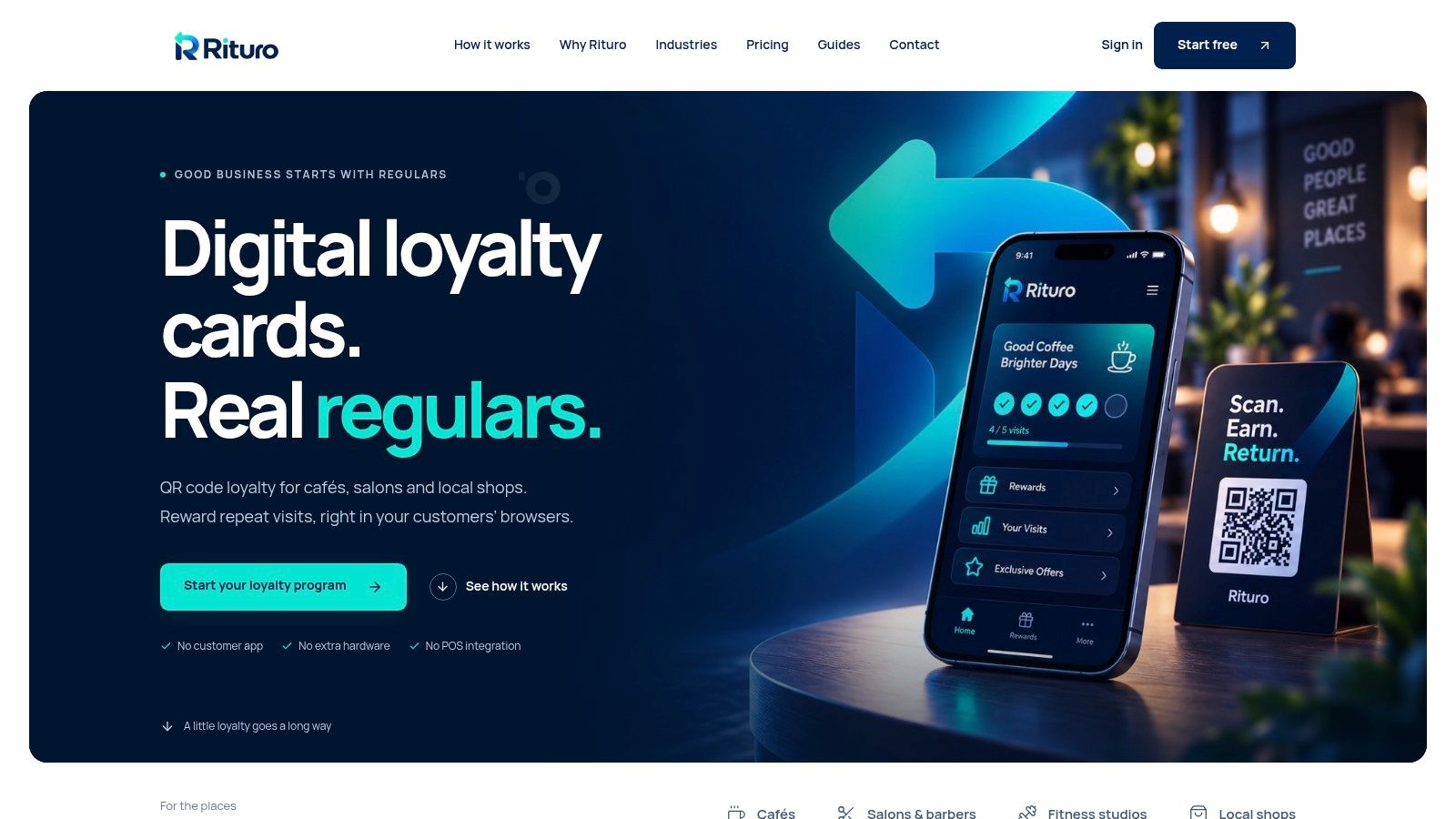
Rituro combines loyalty with customer records, email campaigns, analytics, and automation. That makes it worth considering for a salon or independent retailer that wants follow-up marketing alongside reward tracking.
The important distinction is access. Customers can use mobile-browser cards across its plans, but Apple Wallet and Google Wallet are paid features. Rituro's plan details limit the free tier to 100 active customers and 100 visits per month, while Pro includes three locations.
Compare the Paid Workflow, Not Just the Free Demo
Growth and Pro add wallet passes and marketing tools. Higher tiers support multiple active programs, while Pro includes API access, webhooks, and location-level analytics. Paid plans remove customer, visit, and reward caps.
The free plan can establish whether you like the administration screens. It won't fully establish whether the wallet-based experience suits your customers, because that experience belongs to the paid offering.
Buying rule: Trial the customer experience you intend to launch, not a cheaper version with a different access method.
The compromises are clear: the free tier carries Rituro branding, paid plans retain some Rituro identity, and SMS campaigns are listed as unavailable at launch.
For the two-sided test, create a customer card and then run the follow-up workflow you intend to use. Check consent messaging, the customer record, and the resulting email. More marketing features mean more configuration, so choose Rituro when someone will maintain those campaigns.
6. BonusQR
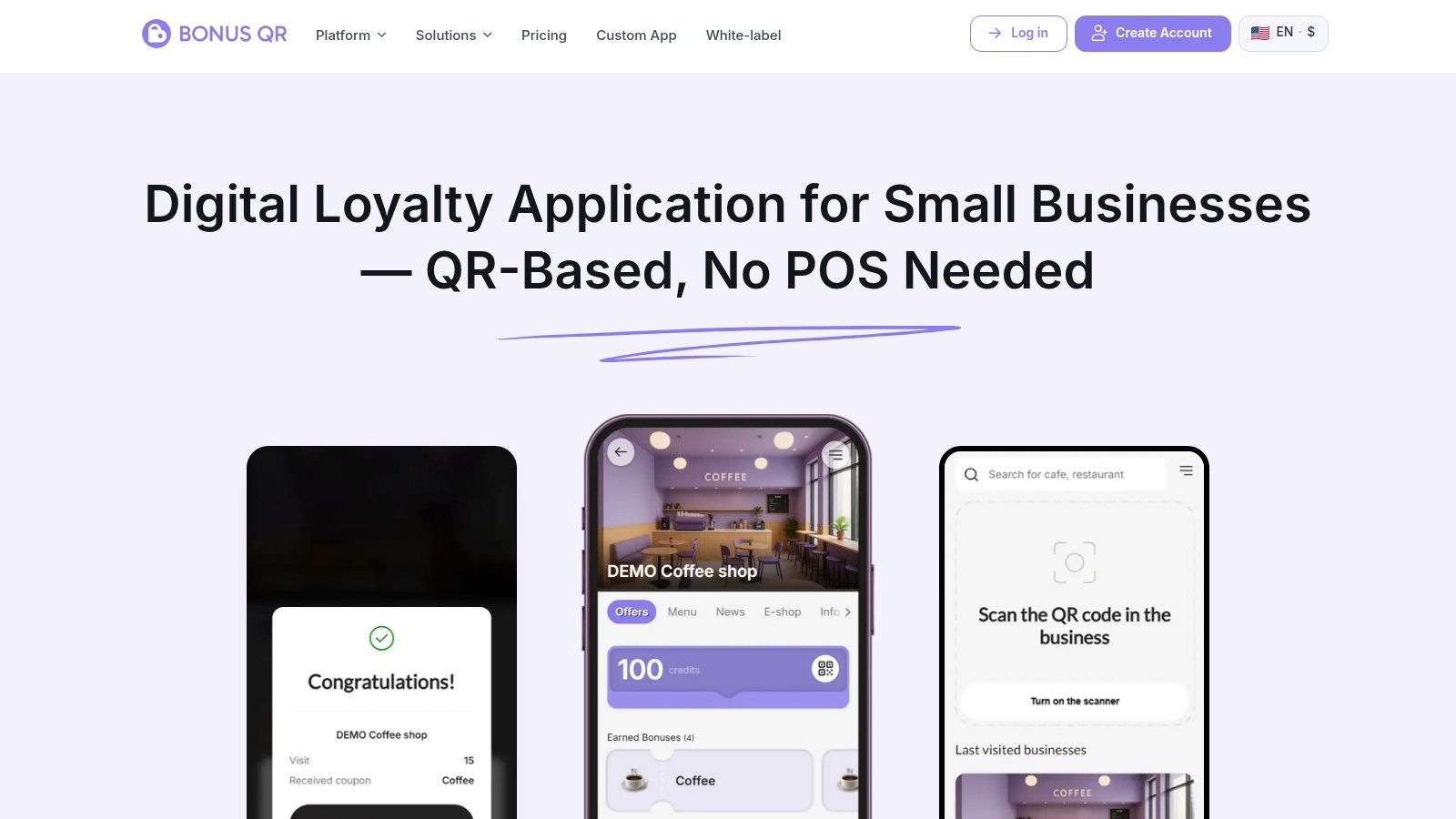
A grocery store might want cashback, while a fitness studio might prefer visit rewards. BonusQR offers more reward mechanics than a basic punch-card tool, including points, cashback, spend rewards, discounts, and coupons.
BonusQR lists a free plan with no time limit and no customer cap. Customers can use browser access, a wallet pass, or the BonusQR customer app, while merchants operate QR-based workflows without special counter hardware.
Breadth Helps Only When the Rules Stay Clear
Paid plans list multi-location management and Shopify or WooCommerce connections. White-label and custom-app options provide a route beyond the shared customer app, but they can involve paid features or additional setup.
- Good fit: Businesses that need a reward model beyond collecting stamps.
- Customer choice: Wallet, browser, and app access let you offer different ways to participate.
- Branding distinction: The BonusQR customer app isn't the same product as your own standalone branded app.
- Budget detail: Pricing is published in euros, so US merchants should account for currency and tax details.
Use the free loyalty card software comparison to distinguish a usable free program from features you'll eventually need to pay for.
During the trial, follow the same reward through each customer access method you intend to advertise. Don't introduce every available mechanic at launch. Choose a rule staff can explain in a short sentence, then verify the customer sees an understandable balance and redemption path.
7. Xtarly Rewards
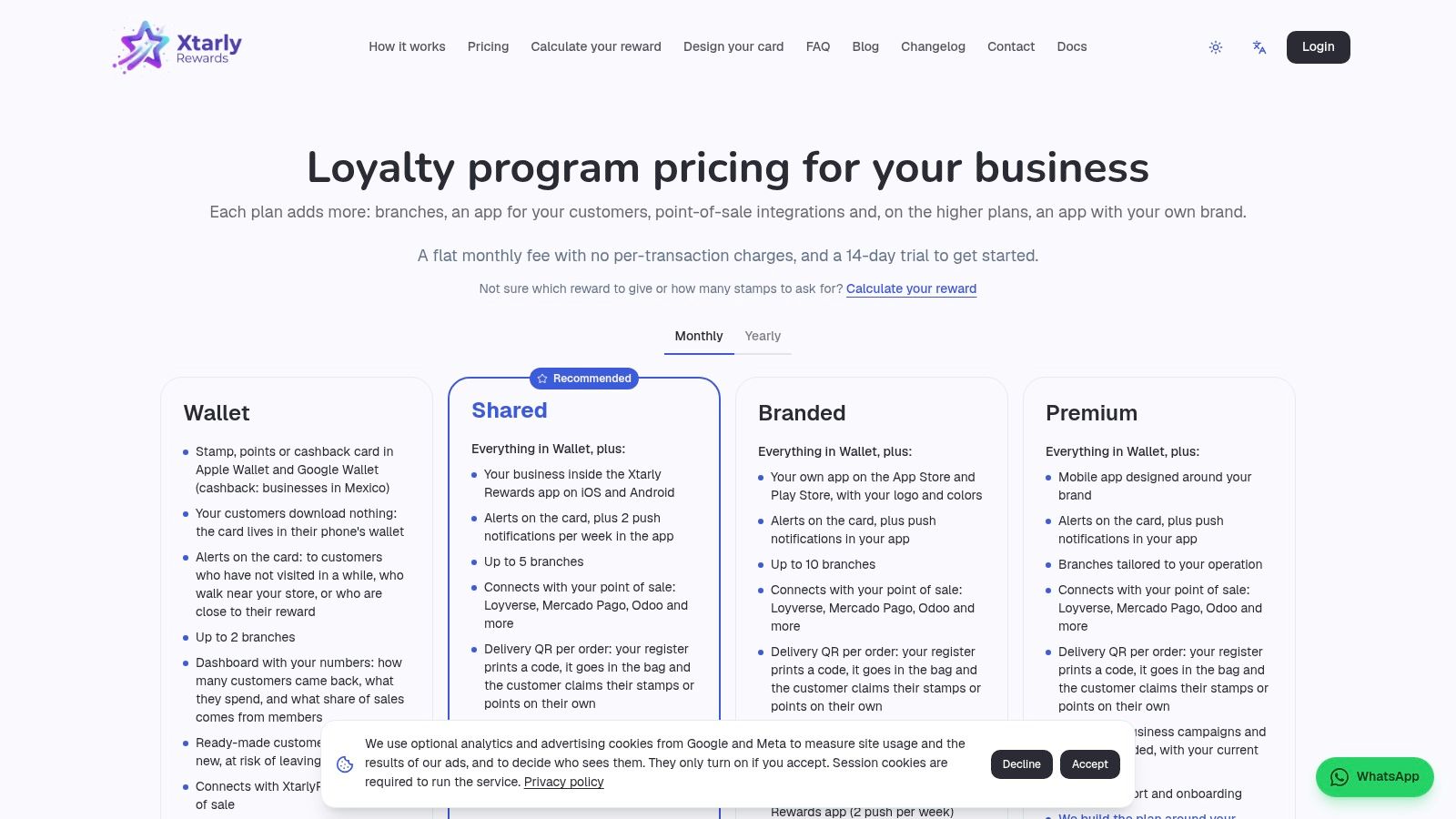
Xtarly Rewards makes the wallet-versus-app decision explicit. Its Wallet plan serves businesses that want Apple Wallet and Google Wallet cards without requiring a customer app. Higher tiers move into shared, branded, or custom mobile apps.
Xtarly's pricing page publishes its main tiers and lists wallet cards across the paid plans, alongside dashboard and notification capabilities. The branded-app tier costs substantially more than wallet-only access, while custom development targets larger budgets and bespoke requirements.
Start With the Access Method Customers Need
For a small restaurant, a wallet card may handle the loyalty job without an app project. A branded app becomes a different purchase decision, involving more than the appearance of your loyalty card.
The guide to dining rewards apps can help frame that distinction. Choose the access method around what customers need to do, not around the appeal of having your logo on an app icon.
Don't pay for an app merely to display a reward balance that a wallet card could show.
Xtarly's main limitation for comparison shopping is that the published pricing details don't fully explain every tier's earning rules or daily workflow. Before committing, request a demonstration of enrollment, earning, redemption, and card replacement on the actual tier you're considering.
Choose Xtarly for a potential progression toward a branded app. For a straightforward counter program, evaluate the Wallet plan independently. A future upgrade path isn't a reason to buy complexity today.
How the seven loyalty app options compare on program type, wallet support, and free plans
| Item | Program Types | Wallet Passes | Free Plan |
|---|---|---|---|
| Loyal Customer | Stamp cards or spend-based points | Apple Wallet and Google Wallet | 7-day free trial; no ongoing free plan listed |
| Piqlo | Stamp or points programs | Apple Wallet and Google Wallet | One card, up to 50 customers |
| PassQR Loyalty | Stamp cards | Apple Wallet and Google Wallet | Available; customer limit not specified |
| Tap Loyalty | Stamp or points programs | Apple Wallet and Google Wallet | No free plan listed; two months free advertised |
| Rituro | QR-based loyalty programs; multiple programs on higher tiers | Apple Wallet and Google Wallet on paid plans | Up to 100 active customers and 100 visits per month; no wallet passes |
| BonusQR | Stamp, points, cashback, visit or spend rewards, and coupons | Apple Wallet and Google Wallet | No time limit or customer cap listed |
| Xtarly Rewards | Loyalty cards; program mechanics not specified | Apple Wallet and Google Wallet on paid plans | No free plan listed |
Test Both Sides of the Counter Before You Commit
The best loyalty program apps make the owner's work manageable and the customer's next step obvious. A program isn't ready merely because you've uploaded a logo and printed an enrollment QR code. It's ready when staff can issue the correct reward and customers can find and use their card without a lengthy explanation.
Start as the owner. Build a sample card, choose the earning rule, issue stamps or points, and redeem a reward. Then switch roles and enroll through the public customer route, including any verification steps.
Rehearse the Awkward Moments
Test the situations that interrupt real service, not just the successful first scan.
- Missed credit: Work out how staff correct a forgotten stamp or points entry.
- Customer identification: Try the alternative when a customer can't immediately find their pass.
- Connectivity: Separate offline card access from the ability to record and sync transactions.
- Staff access: Confirm employees can perform routine tasks without unnecessary administrative permissions.
- Privacy: Explain what information customers provide, why it's needed, and how they can request help with their data.
Measure redemption, not just enrollment. In Valuedynamx's global survey of loyalty-program members, 83% had redeemed loyalty currency during the previous three months, yet roughly two-thirds weren't completely satisfied with the available redemption options. A populated customer list isn't enough if people don't value or claim the reward.
For our platform, the program type is locked after launch. That makes the sample-card test especially important: compare stamps with points before making your live choice.
I'd start with standalone, phone-only operation unless automatic purchase capture is a firm requirement. Run a complete earning-and-redemption cycle before inviting your regulars, and choose the tool that adds the least work to a busy shift.
Loyal Customer lets you run a digital stamp card or points program from your phone, with branded cards customers save in Apple Wallet or Google Wallet. Visit Loyal Customer to preview your card and test issuing and redeeming rewards before launching your program.