Loyalty Punch Card Designer — Print & Share
Create a branded punch card for your café, salon, shop, or studio. Configure your reward, customize the design, preview front and back, then print at exact card size or download a shareable image. Everything happens in your browser.
Every template stays fully editable — replace any text, colors, or icons.
Business information
Enter your business name.
Your logo never leaves this page — it stays in your browser's memory only.
Reward
Templates fill in the reward text below — you can always rewrite it in your own words.
Enter a reward title.
Stamp design
This is only for previewing the design. Printed customer cards always start with all stamps empty.
Colors & appearance
Back of card
Edit or remove anything — none of this wording is required.
Link to your website, menu, booking page, or social profile. The QR code is generated entirely in your browser.
Print options
Duplex (front/back) alignment varies by printer. Back pages are mirrored for long-edge duplex printing — print a single test page and check alignment before printing in bulk.
Cards print at their exact physical size when your browser is set to 100% scale.
Live preview
Add a business name and reward title to enable printing and downloads.
Digital downloads are static, shareable designs. They do not track stamps or function as Apple Wallet or Google Wallet passes.
To save a PDF, choose Print and select “Save as PDF” in your browser's print dialog. Print at 100% scale (no “fit to page”) and enable background graphics to keep your colors.
Everything stays in your browser
These tools run entirely on your device. Your links, text, Wi-Fi details, logos, and business information are never uploaded, stored, or shared — nothing leaves your browser.
Frequently asked questions
Is the punch card designer really free?
Yes. There's no account, no email gate, and no watermark. Design, print, and download as many cards as you like.
How do I save my card as a PDF?
Click “Print / Save as PDF” and choose “Save as PDF” as the destination in your browser's print dialog. Set the scale to 100% and enable background graphics to keep your colors and exact card size.
Can customers add this punch card to Apple Wallet or Google Wallet?
No. This tool creates printable cards and static images — they don't track stamps and can't be added to phone wallets. For real digital loyalty cards in Apple Wallet and Google Wallet, take a look at the Loyal Customer app.
What does the QR code on the back do?
It's optional and points to any web address you choose — your website, menu, booking page, or social profile. The code is generated in your browser and only encodes the URL you enter; it never contains customer information.
Tips for a punch card customers keep
Keep the reward simple and reachable: between 6 and 10 stamps works well for most businesses — low enough that customers believe they'll finish, high enough to build a habit. Make the reward headline the most prominent text on the card, and use your real brand colors so the card is recognizable in a wallet. Pick a stamp icon that matches your business, like a coffee cup, scissors, or paw print. Add short, friendly terms on the back so staff and customers know the rules, and include your website or social handle so the card doubles as a business card. Use the filled-stamp slider to preview how the card looks mid-progress, but print customer cards with all stamps empty.
Printing at the correct size
The designer supports the two most common card formats: the US business card at 3.5 × 2 inches and the ISO credit-card size at 85.6 × 54 mm, which fits standard card sleeves and wallets. Choose a sheet layout to print several cards per US Letter or A4 page, with optional cut lines to guide trimming. To keep exact physical dimensions, print at 100% scale — never “fit to page” — and enable background graphics in the print dialog so your colors are preserved. To create a PDF, simply choose “Save as PDF” as the printer. If you print front and back, run one duplex test page first: alignment varies between printers, and the back sheet is mirrored for long-edge duplex to help fronts and backs line up.
More free tools
Branded QR Code Generator
Create QR codes in your brand colors with your logo — for links, Wi-Fi, email, phone, SMS, or any text. Download as PNG or SVG.
Nail Salon Service Menu & Price List Maker
Build a branded nail salon menu with categories, prices, and appointment times. Print it, share an Instagram Story version, or add a QR code and loyalty offer.
Ready to go beyond paper punch cards?
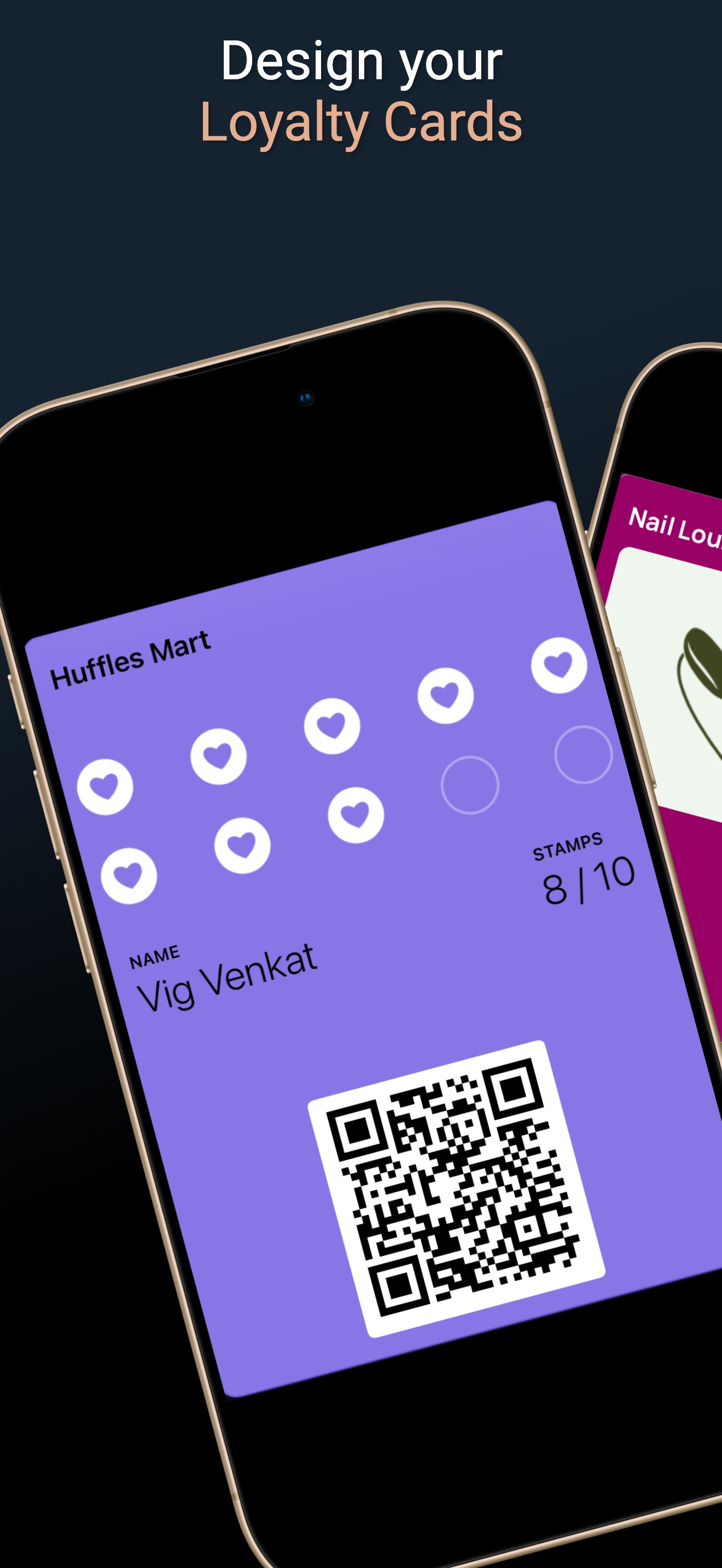
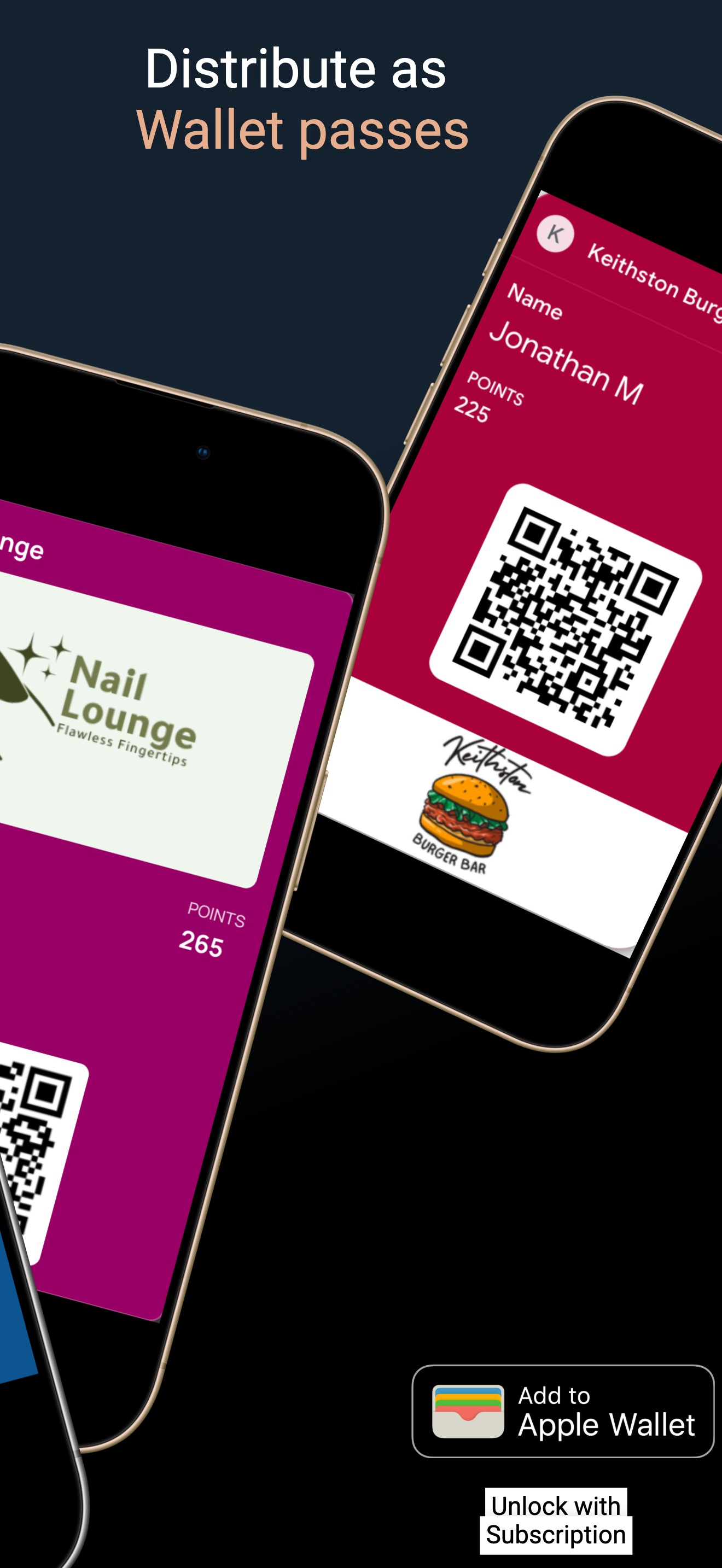
Loyal Customer turns your punch card into a digital loyalty card that lives in Apple Wallet and Google Wallet — with automatic stamp tracking, no lost cards, and no printing costs.
- Design a branded digital loyalty card in minutes — your colors, your logo, your reward
- Customers join with one QR scan and add the card to Apple or Google Wallet
- Stamps and points update automatically on the card with every visit