Google Review Link & QR Maker
Turn your Google review link into a branded QR code and a beautiful printable sign that invites customers to leave a review — free, with no signup.
Paste a Google Maps, Google Business Profile, g.page, or maps.app.goo.gl link. Short links are kept exactly as pasted — nothing is resolved or rewritten.
Shown on the printable sign only. It stays in your browser and is never sent anywhere.
Where to find your official review link
- Sign in to Google and search for your business name, or open your Google Business Profile dashboard.
- Select “Ask for reviews” (sometimes shown as “Get more reviews”) in your profile menu.
- Copy the short link Google shows you — it usually starts with g.page/r/ — and paste it above.
Brand it
Your logo never leaves this page — it stays in your browser's memory only.
Output
Printable review sign
This is exactly what gets printed. Use the print button and choose “Save as PDF” in the print dialog to get a PDF.
How did we do?
Your review helps other customers find us — it only takes a minute.
Paste your review link to see the QR code.
Scan with your phone camera to leave a review
Live preview
Paste your Google review link to see your QR code here.
The QR image never expires. But it points to your Google link — if Google changes or removes that link, just generate a new code.
Everything stays in your browser
These tools run entirely on your device. Your links, text, Wi-Fi details, logos, and business information are never uploaded, stored, or shared — nothing leaves your browser.
Frequently asked questions
Is this Google review QR maker really free?
Yes — completely free, with no signup, no watermark, and no limits. You can print the sign and use the QR code commercially in your business.
Where do I find my Google review link?
Sign in to Google, search for your business name, and open your Business Profile panel. Choose “Ask for reviews” to get your short share link (it usually starts with g.page/r/). Paste that link into this tool.
Can I use a shortened maps.app.goo.gl link?
Yes. Short links from maps.app.goo.gl, g.page, and goo.gl/maps are accepted and encoded exactly as you pasted them — the tool never expands or replaces them.
Why Google reviews matter for local businesses
Google reviews are one of the strongest local ranking signals and often the first thing potential customers read about you. A steady stream of recent reviews improves your visibility in Google Maps and local search results and builds trust before anyone walks through your door. The biggest obstacle is friction: happy customers rarely search for your profile on their own. A QR code at the counter, on the receipt, on a table tent, or by the exit removes that friction — one scan takes them straight to your review form.
Tips for a review sign that actually gets scanned
Place the sign where customers naturally pause: next to the register, on tables, near the exit, or inside delivery bags. Print it at least A6 size so the code stays comfortably scannable from arm's length, and keep it flat and well lit — glossy lamination under a spotlight can cause reflections that break scanning. Ask at the right moment: right after a compliment or a repeat visit is ideal. And always test the printed sign with a couple of different phones before putting it out.
More free tools
Branded QR Code Generator
Create QR codes in your brand colors with your logo — for links, Wi-Fi, email, phone, SMS, or any text. Download as PNG or SVG.
Punch Card Template Builder
Design a printable punch card with your business name, reward, stamp icons, and brand colors — ready to print.
Turn happy customers into repeat customers
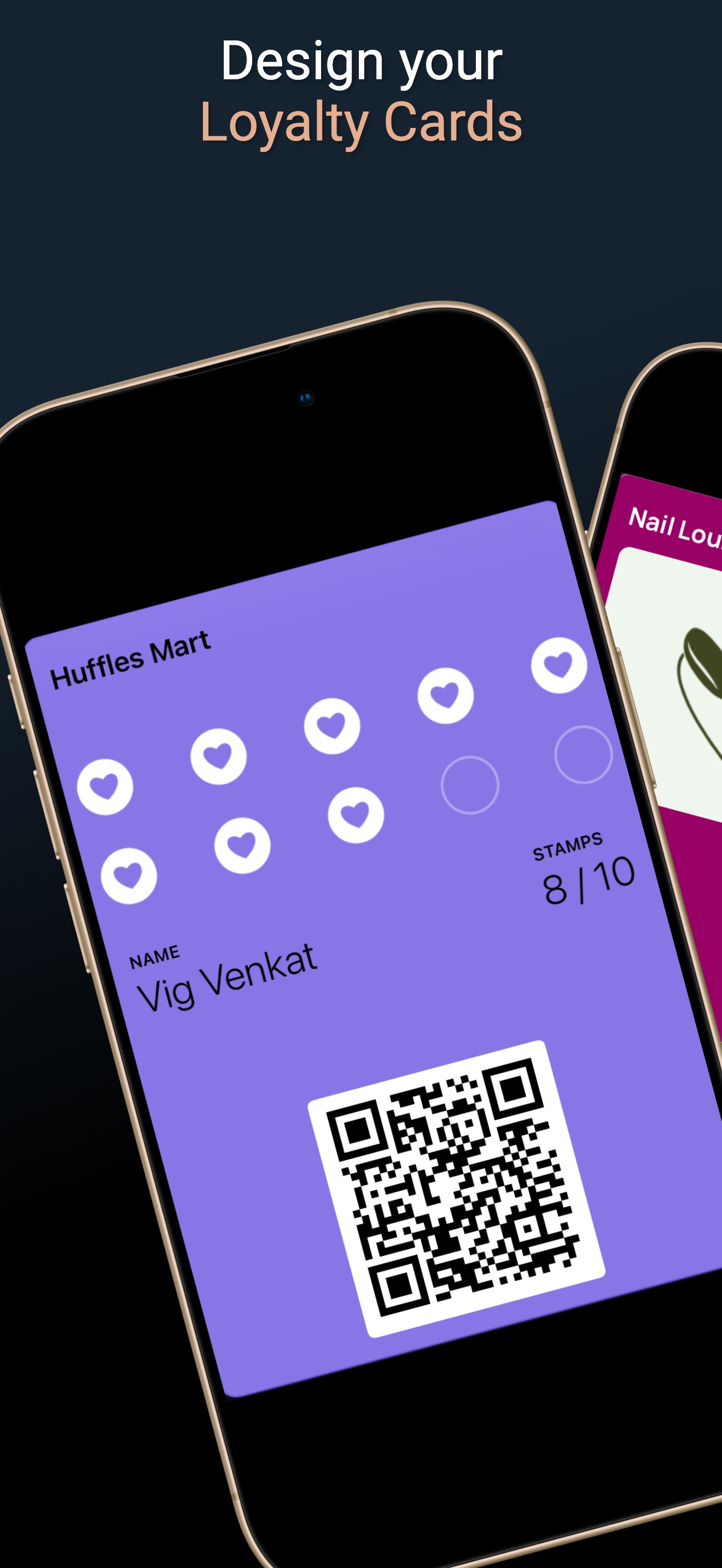
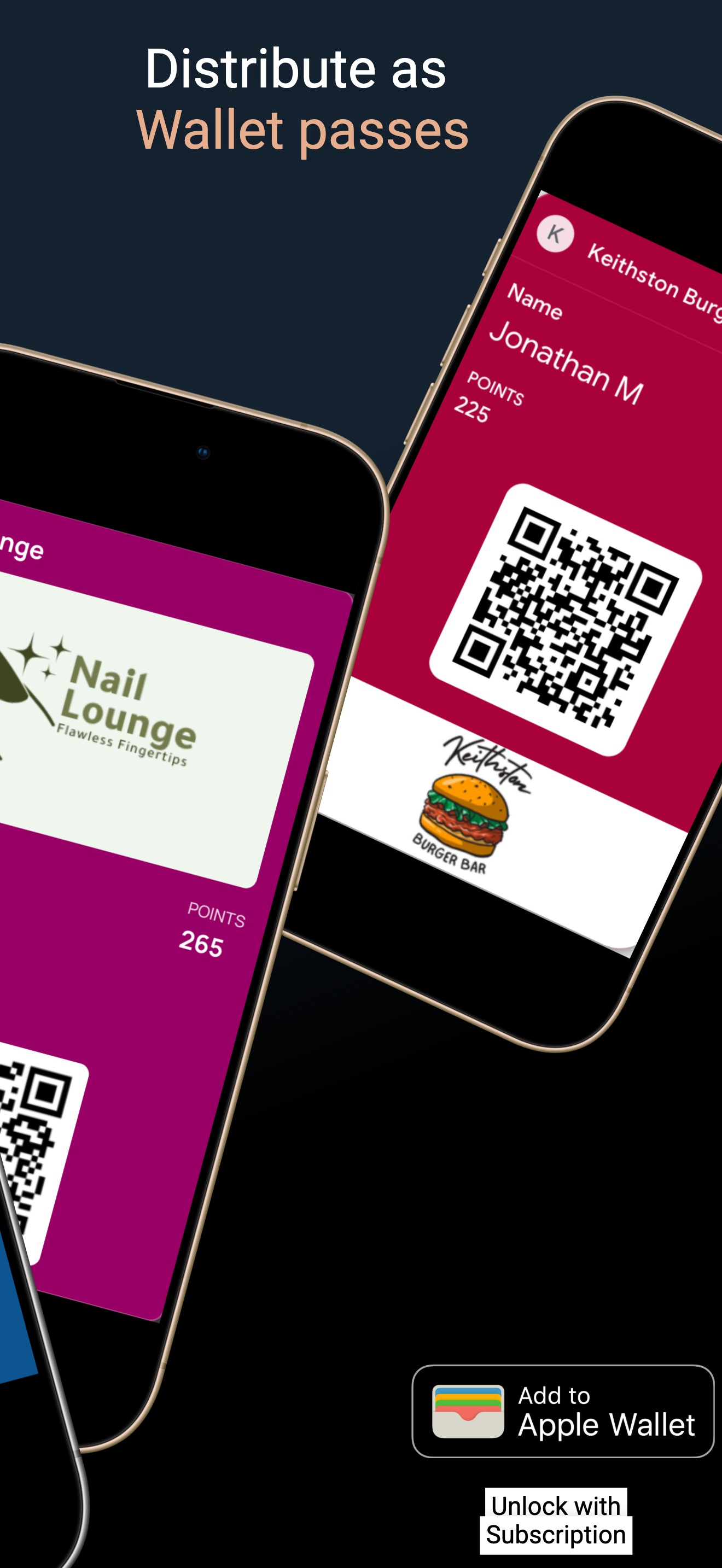
Reviews bring new customers in — Loyal Customer keeps them coming back. Digital stamp cards and points in Apple and Google Wallet, set up in minutes from your phone.
- Design a branded digital loyalty card in minutes — your colors, your logo, your reward
- Customers join with one QR scan and add the card to Apple or Google Wallet
- Stamps and points update automatically on the card with every visit