Nail Salon Service Menu & Price List Maker
Organize your manicures, extensions, nail art, and add-ons into a branded price list. Start from a template, customize your colors and logo, then print a menu, share it as an Instagram Story, or generate a QR code version — everything happens in your browser.
Every template stays fully editable — replace any service, price, or color.
Business information
Enter your salon name.
Your logo never leaves this page — it stays in your browser's memory only.
Services & prices
Applied to every price below. Already-formatted prices (like "$35") are left as you typed them.
Add at least one service with a name.
Loyalty offer & QR code
Link to your booking page, website, or Instagram profile. The QR code is generated entirely in your browser.
Colors & branding
Live preview
—
Fix the errors above to enable printing and downloads.
Your menu is built entirely in your browser — nothing is uploaded or stored on our servers.
To save a PDF, choose Print and select “Save as PDF” in your browser's print dialog. Print at 100% scale (no “fit to page”) and enable background graphics to keep your colors.
Everything stays in your browser
These tools run entirely on your device. Your links, text, Wi-Fi details, logos, and business information are never uploaded, stored, or shared — nothing leaves your browser.
Frequently asked questions
Is this nail salon menu maker free?
Yes. Building, printing, and downloading your menu is completely free, with no account or sign-up required.
Is my menu data stored anywhere?
No. Everything you type, including your logo, stays in your browser and is never uploaded to our servers.
Can I use this for a barbershop, spa, or lash studio instead?
Yes. While the templates are tailored to nail services, every category and service is fully editable, so you can rename them for any appointment-based business.
What's the difference between the printable menu and the Instagram Story version?
The printable menu is sized for a full page (great for framing or handing to customers), while the Instagram Story version is a tall 1080×1920 image sized for Instagram and Facebook Stories.
Can I add a QR code that links to my booking page?
Yes. Enter your booking page, website, or Instagram link in the QR code field, and it will appear on both the printable menu and the Instagram Story version.
Which template should I start from?
Pick the template closest to your services — gel, acrylic, Gel-X, nail art add-ons, bridal packages, or a holiday promo — then edit every name, price, and time to match your salon. You can always switch categories or add your own.
Tips for printing your menu
Print at 100% scale with background graphics enabled so your colors show up correctly. For a crisper result to frame at the front desk, download the PNG version instead and print it from an image viewer or photo printing service.
More free tools
Punch Card Template Builder
Design a printable punch card with your business name, reward, stamp icons, and brand colors — ready to print.
Branded QR Code Generator
Create QR codes in your brand colors with your logo — for links, Wi-Fi, email, phone, SMS, or any text. Download as PNG or SVG.
Turn menu browsers into loyal customers
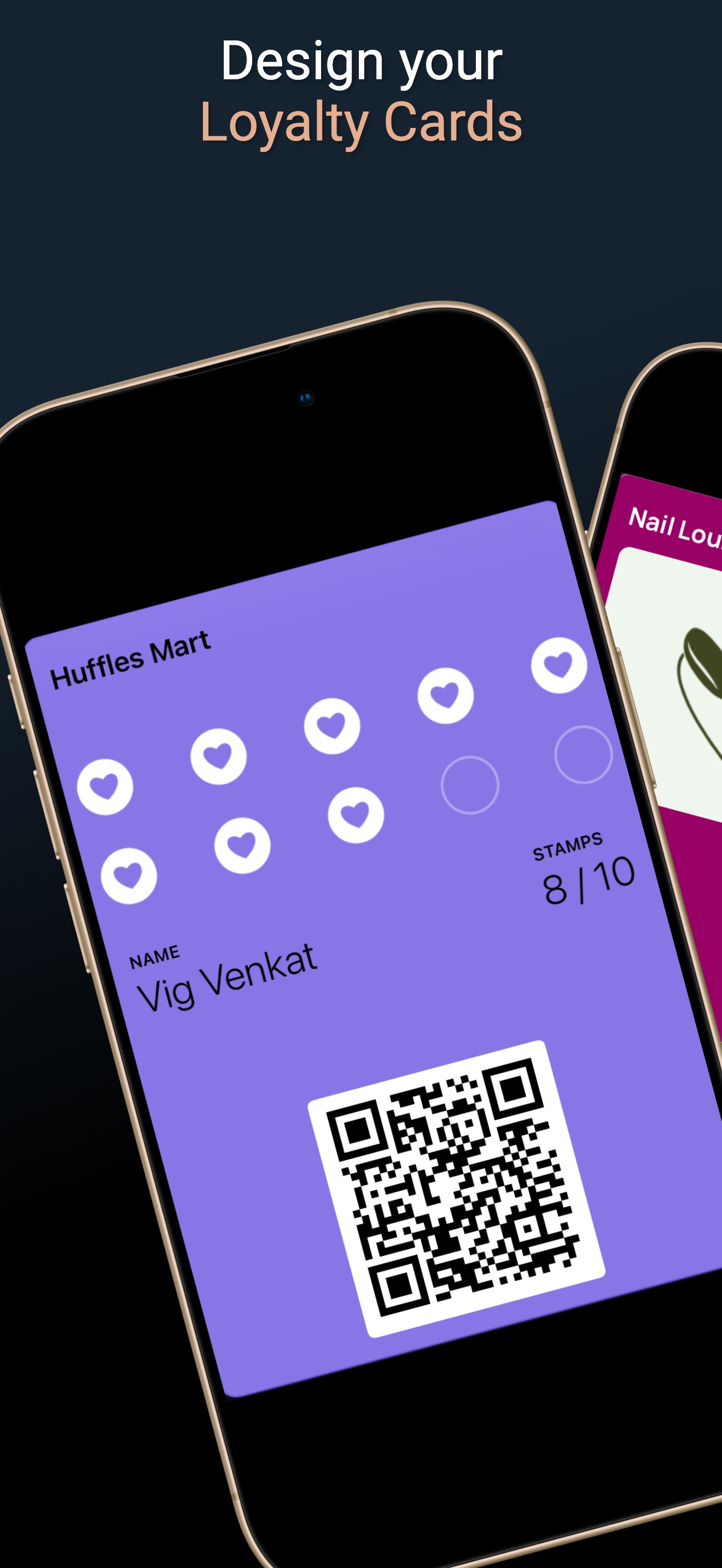
Once your menu brings customers in the door, Loyal Customer helps you keep them coming back with digital loyalty cards, rewards, and reminders.
- Design a branded digital loyalty card in minutes — your colors, your logo, your reward
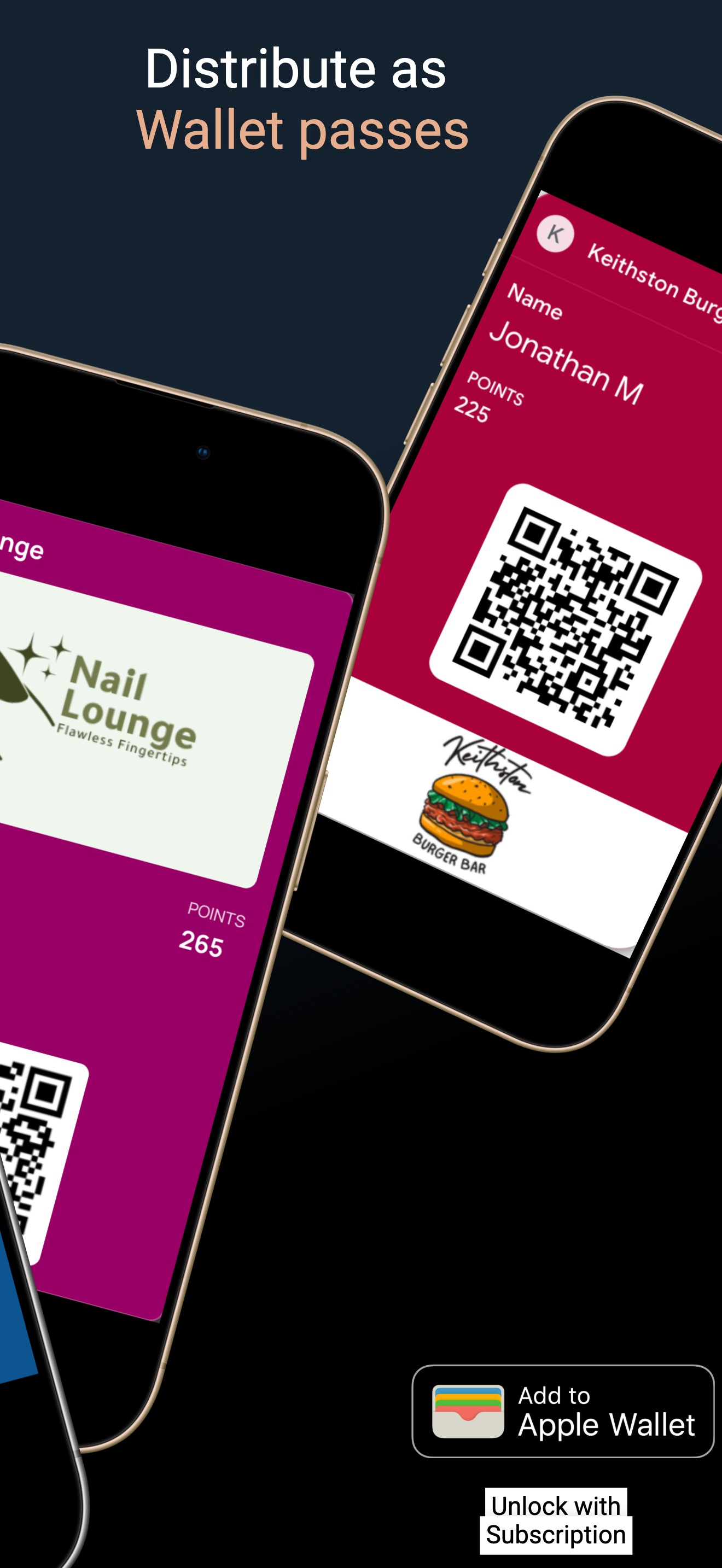
- Customers join with one QR scan and add the card to Apple or Google Wallet
- Stamps and points update automatically on the card with every visit