The most common advice about choosing an Apple Wallet pass maker starts in the wrong place: compare designers, pick a template, and publish a card. Most small businesses don't need an enterprise pass platform. They need a reliable way for staff to identify a customer, award a visit or purchase, and redeem a reward without slowing checkout.
A café needs a different tool from a developer building membership credentials. A salon might need phone-based stamping, while a retailer with an existing customer database might need APIs, certificates, and automated updates. Paying for flexibility you won't use creates more setup work, not a better loyalty program.
Wallet-native passes have a practical advantage over paper cards and separate customer apps. Apple describes passes as credentials that businesses can create, distribute, and update inside Wallet, rather than static images, in its Wallet passes documentation. That makes the installed card useful beyond enrollment.
Buying rule: Choose the checkout workflow before the card designer. A polished pass won't fix a confusing redemption process.
The small-merchant options come first below, followed by more configurable tools for tinkerers, operations teams, and developers. The important differences aren't decorative. They're who maintains the balance, how staff record activity, what you pay for, and whether you need to manage signing certificates yourself.
Table of Contents
- 1. Loyal Customer
- 2. Loopy Loyalty
- 3. StampyWallet
- 4. Stampioo
- 5. Pass2U Service
- 6. PassKit
- 7. Passcreator
- 8. PassEntry
- 9. WalletThat
- 10. PassNinja
- Apple Wallet pass maker tools at a glance
- Start Small, Launch This Week
1. Loyal Customer
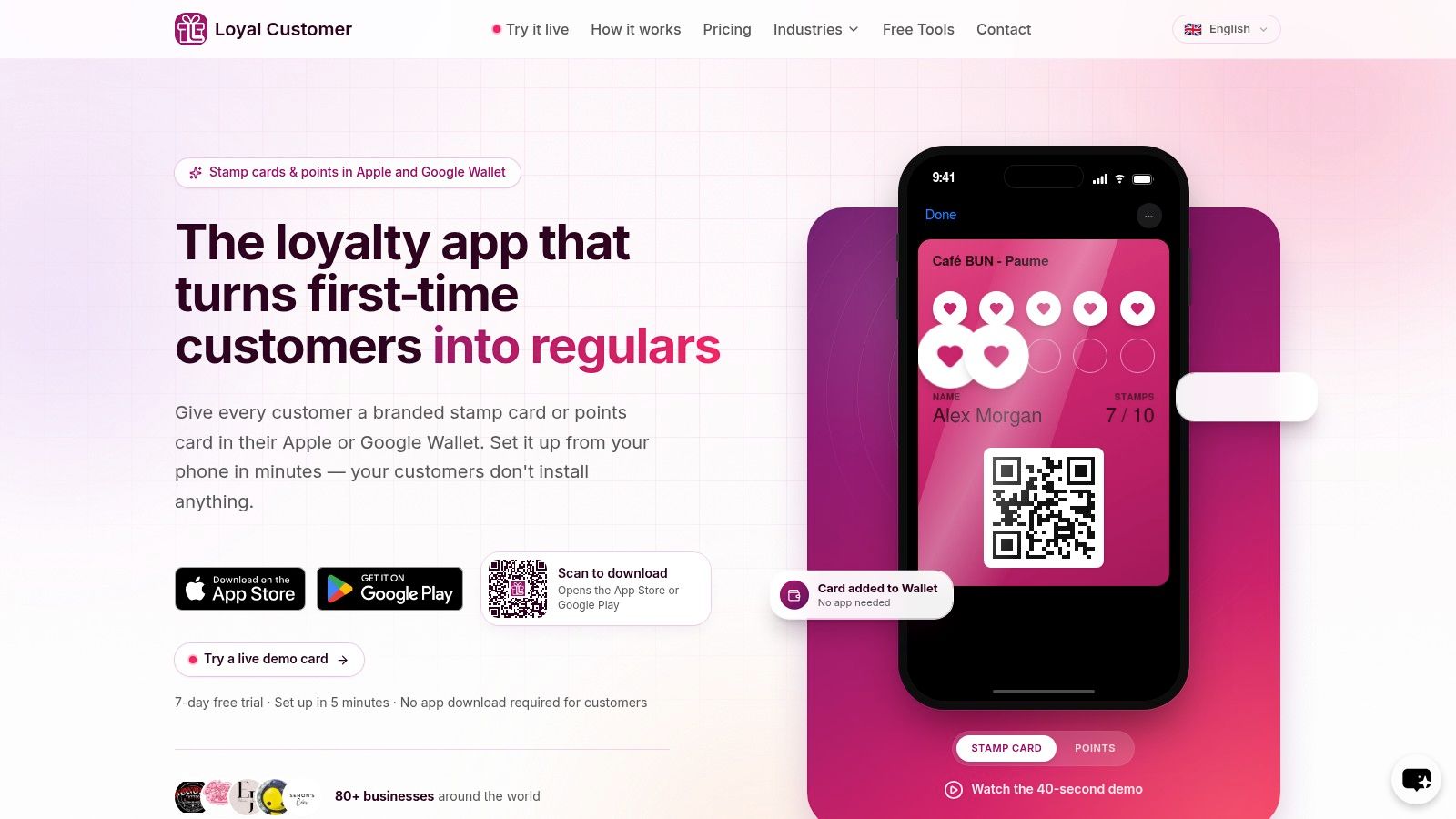
Best for small merchants who want a loyalty program, not a pass-development project. Loyal Customer combines branded native Apple Wallet and Google Wallet cards with phone-based administration for either points or digital stamps. Customers don't need a separate loyalty app.
Our guided setup recommends a program type and shows the actual Wallet pass before launch. Customers open the business's link or scan its enrollment QR code, verify their phone using a one-time code, and add their card directly to their wallet.
What happens at the counter
Staff use our mobile app's built-in QR scanner to identify the customer's pass. When the business adds or redeems points or stamps, the Wallet card updates automatically, without the customer taking another action.
That connection between the transaction and the displayed balance matters more than having an attractive template. Customers can see available rewards, and staff can run the program from a phone instead of maintaining a separate paper tally.
- Strong fit: Cafés, bakeries, salons, independent shops, and social sellers that want a straightforward repeat-purchase program.
- Useful distinction: Both customer-facing wallet cards and merchant-side loyalty operations belong to the same workflow.
- Trade-off: A phone-operated program still needs staff to record eligible transactions consistently. It isn't a substitute for deciding reward rules or training the team.
I would choose this approach when the business needs to launch a usable loyalty routine rather than connect a custom customer database to a general-purpose pass platform. Keep the initial reward simple enough that every employee can explain it at checkout.
2. Loopy Loyalty
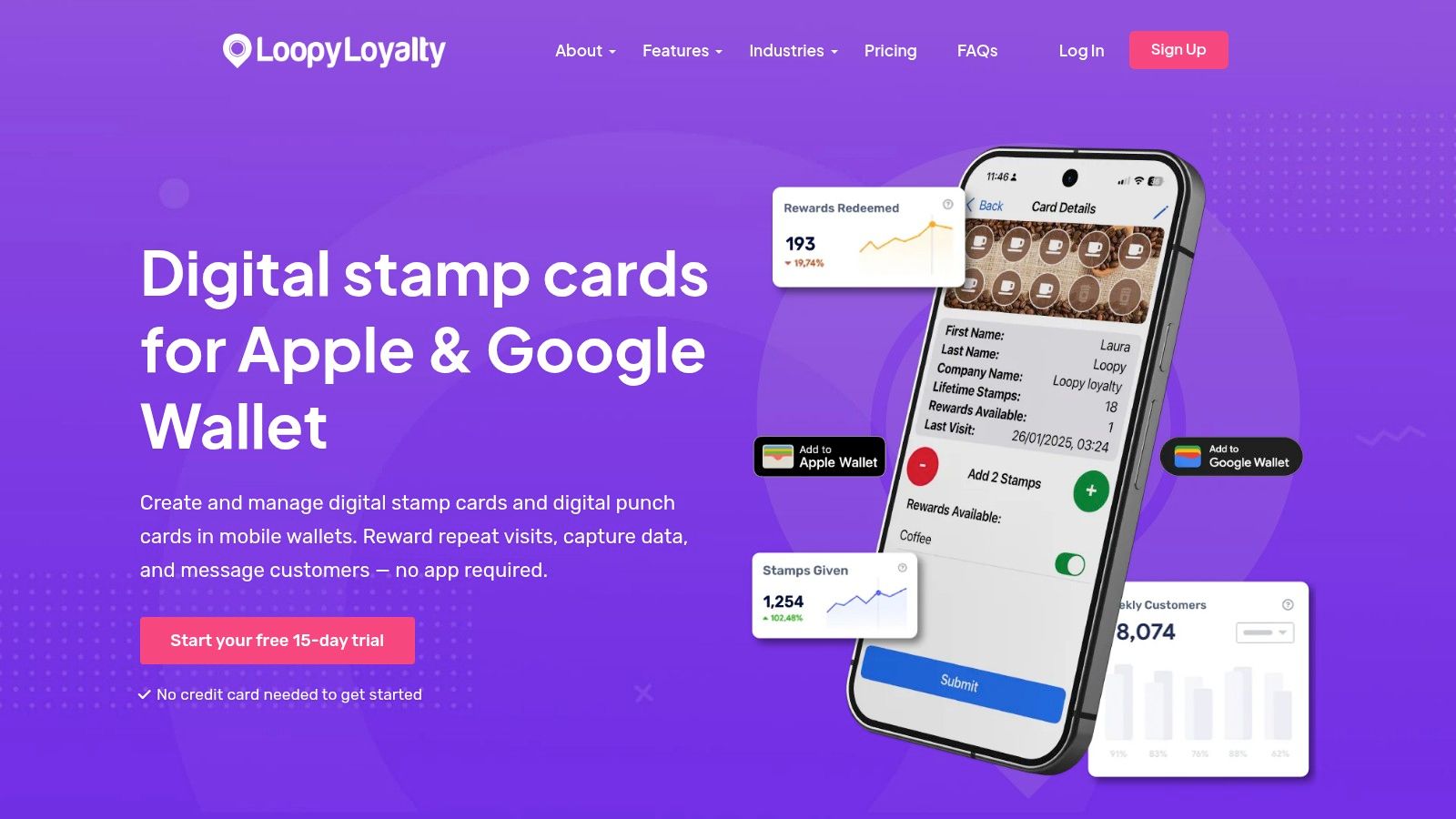
A familiar punch-card offer doesn't need elaborate points calculations. Loopy Loyalty focuses on digital stamp cards, with Apple Wallet and Google Wallet support and staff stamping through its Stamper App.
That makes it a sensible candidate for a coffee shop rewarding repeat visits or a salon rewarding qualifying appointments. Staff follow a recognizable routine: find the card, award the stamp, and handle the reward when the customer qualifies.
The strength is also the limitation. A stamp-focused platform is easier to evaluate when your offer is visit-based. It's less natural if you need spend-based balances, complicated membership entitlements, or earning rules connected to individual products.
- Check staff access: Match the plan's staff-user and location allowances to the people working the counter.
- Check design allowances: Separate offers or branches may require additional card designs.
- Test messaging carefully: Push and location-based messages should support the reward program, not become a reason to contact customers constantly.
The operational question is whether staff can stamp confidently during a queue. Test the Stamper App on the actual phones employees will use, including the process for redeeming a completed card. Don't evaluate it solely from the customer's enrollment screen.
3. StampyWallet
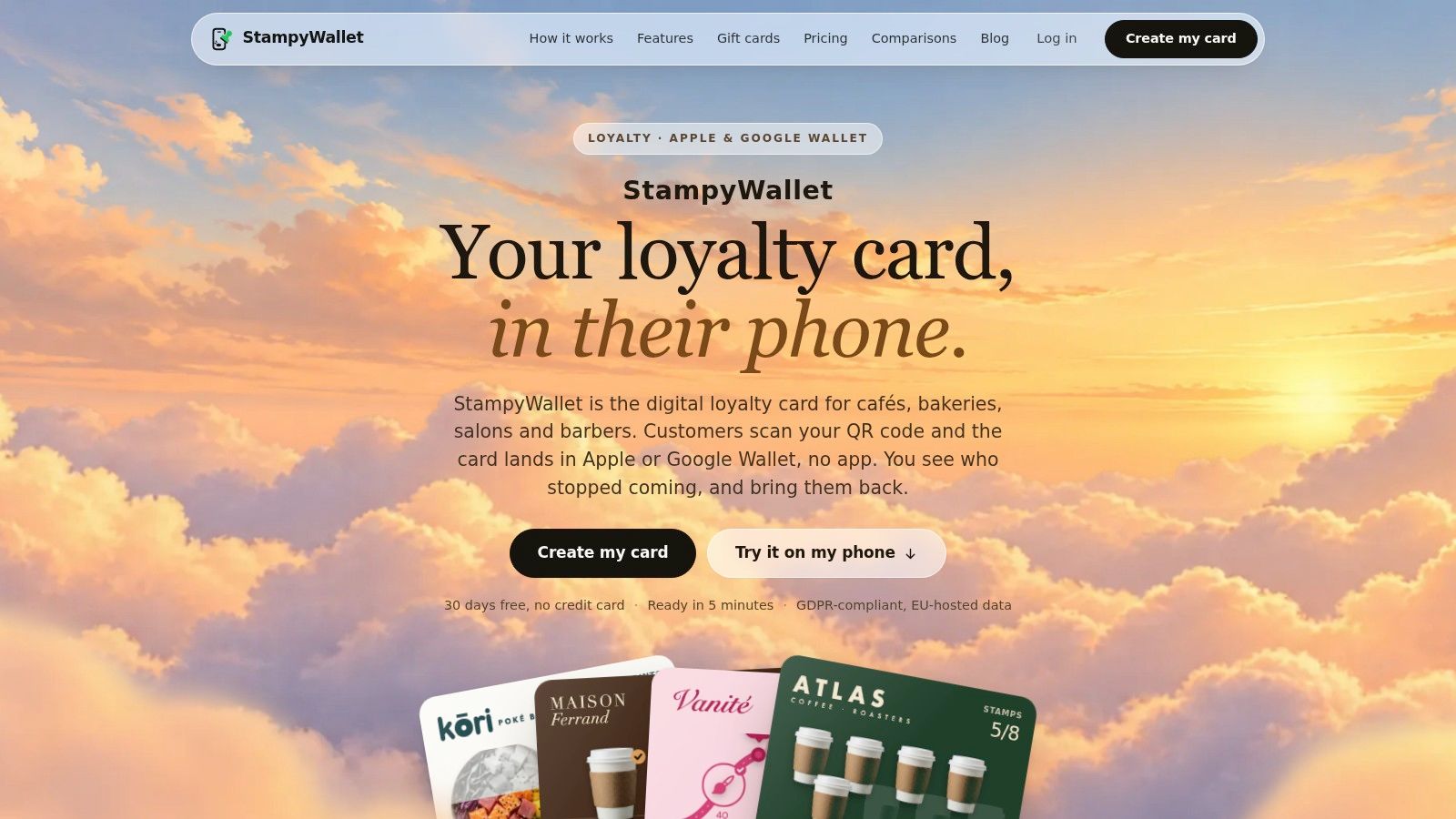
Say a bakery wants an enrollment QR code beside the till and a staff phone for awarding stamps. StampyWallet is organized around that counter workflow, with customers adding cards to Apple Wallet or Google Wallet and employees scanning them by phone.
Its stamp-based approach suits businesses where the qualifying action is easy to recognize. Automatic reward access and absent-customer reminders offer more structure than a paper card, without requiring the merchant to design a custom pass-management system.
Test the awkward transactions
A clean demonstration usually shows a successful scan and a new stamp. Your trial should also include the customer who presents the wrong card, the employee who scans twice, and the purchase that later gets refunded.
Phone scanning isn't the same as POS integration. If the business expects stamps to follow automatically from checkout sales, establish how that connection would work before choosing a phone-operated service.
Public pricing is localized, so compare the billed currency and tax treatment rather than assuming the displayed amount applies unchanged to your business. Also decide who supplies the staff phone and keeps it charged.
StampyWallet is worth considering when the physical workflow is deliberately simple. It becomes less attractive when employees must reconcile manual stamps against detailed sales rules throughout the day.
4. Stampioo
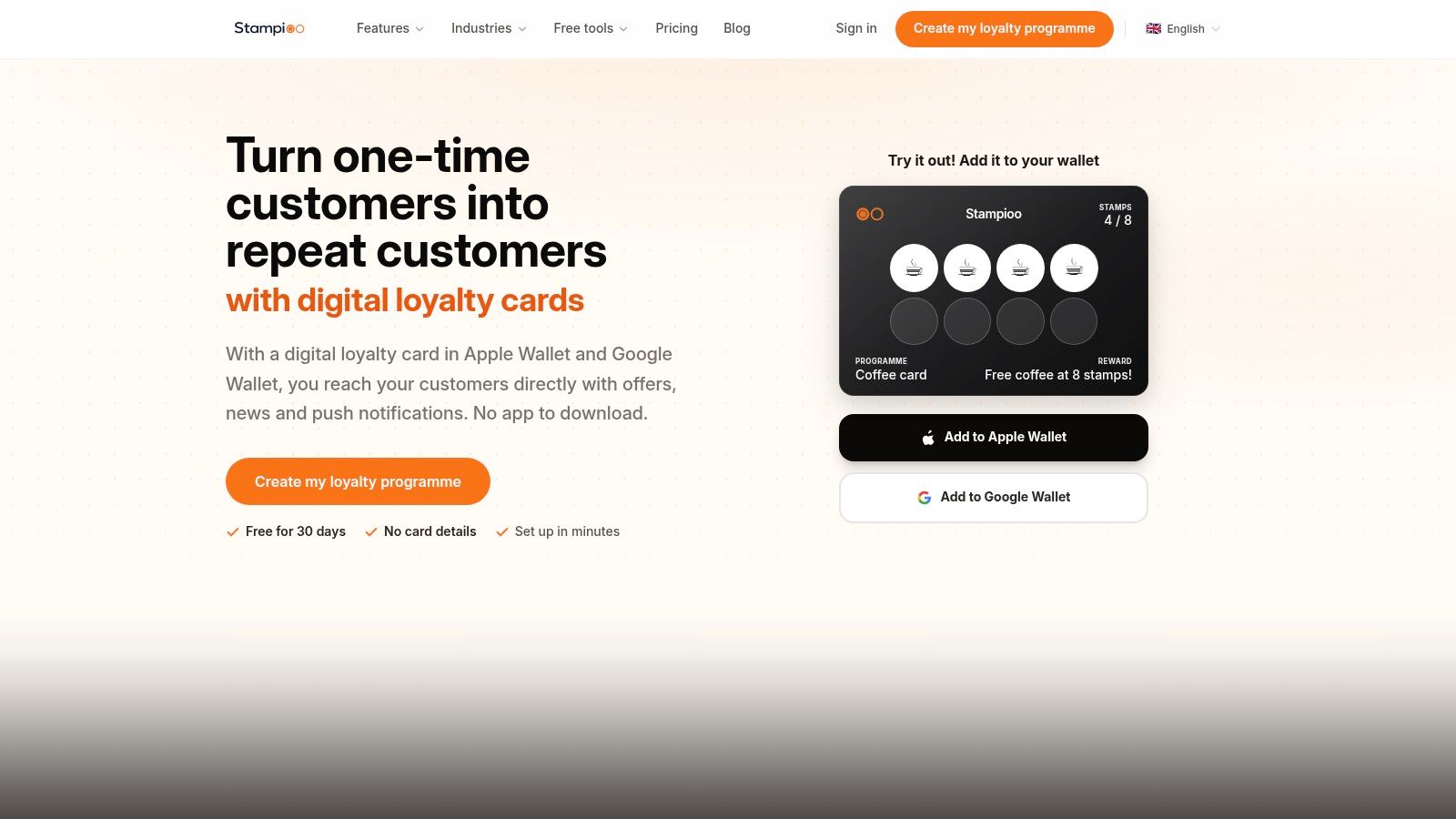
Compare the tax-inclusive invoice, not just the headline subscription. Stampioo publishes euro-denominated pricing excluding VAT, which makes billing treatment part of the comparison for merchants outside its home pricing context.
The service targets independent cafés, salons, and shops with customizable Apple Wallet and Google Wallet loyalty cards. Card names, branding, rewards, and terms are configurable, while reminders, analytics, and targeted campaigns depend on the selected plan.
- Useful for local merchants: The basic workflow doesn't require a POS integration.
- Watch program scope: Entry-level allowances for programs and locations can matter before customer volume does.
- Separate essentials from campaigns: Segmentation and targeted messages aren't necessary to prove that customers will use the underlying reward.
Stampioo makes sense for an owner who wants a manageable loyalty setup with room for more deliberate customer messaging. However, don't buy the campaign features before checking enrollment, earning, and redemption.
A useful trial is a complete reward cycle rather than a designer session. Enroll a test customer, award the qualifying activity, redeem the reward, and inspect what staff and customers see afterward. If that process needs explanation every time, additional messaging features won't solve the underlying friction.
5. Pass2U Service
Not every business issues passes steadily. Pass2U Service offers a credit-based route alongside monthly options, making it worth examining for intermittent issuance or a more experimental pass project.
It includes visual design, Apple Wallet and Google Wallet support, distribution through links, QR codes, and email, plus updating, redemption, and API options. That breadth puts it between a ready-made stamp application and a developer-first platform.
A credit balance isn't a budget until you've mapped the actions that consume it.
Build a realistic usage scenario before comparing costs. Include enrollment, punch-card generation, changes to customer balances, and any distribution services you intend to use.
- Credit gotcha: Punch-card generation has separate credit costs, so don't treat every pass-related action as interchangeable.
- Distribution gotcha: The service lists a restriction on SMS sending in the United States.
- Workflow gotcha: Designing and issuing a loyalty pass doesn't automatically establish who can award or reverse a reward.
Pass2U is a practical candidate for someone willing to learn its charging model and management tools. For a busy shop seeking a predictable subscription and an immediately obvious staff routine, credit accounting may add unnecessary administration.
6. PassKit
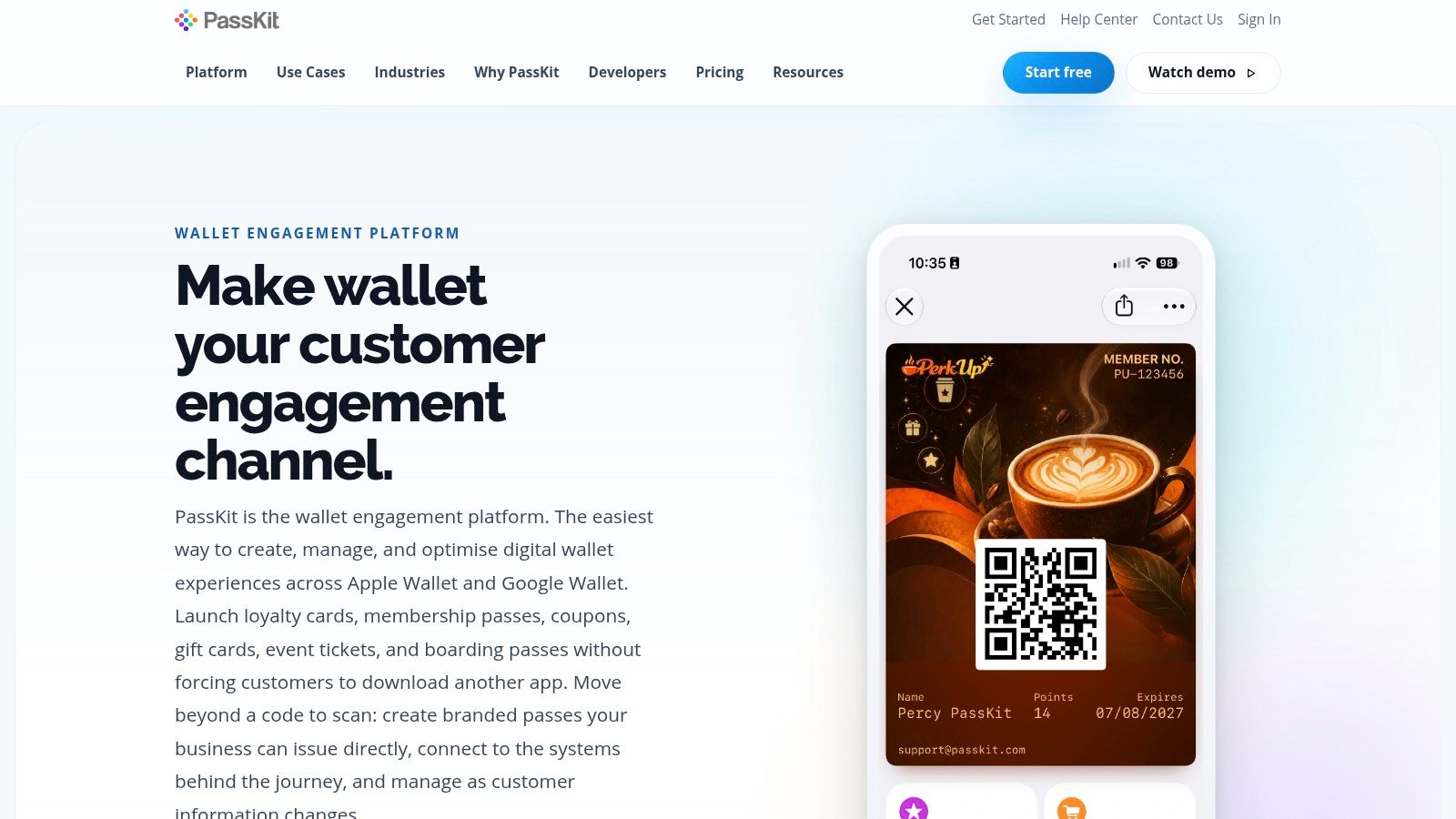
PassKit is for connecting passes to a business process, not just reproducing a paper punch card. PassKit supports loyalty, memberships, coupons, and other pass types through a designer, lifecycle tools, APIs, webhooks, and integrations including Zapier and Make.
That flexibility is valuable when an existing system already knows the customer's status. A membership business, for example, can plan around changes in eligibility rather than asking staff to maintain a parallel record manually.
Budget for ownership of the workflow
PassKit's certificate requirement deserves attention before you design anything. Its Apple Wallet issuance workflow requires an Apple Pass certificate, and the business needs someone responsible for maintaining that setup.
For the implementation sequence, use this guide to creating Apple Wallet passes to distinguish design, signing, distribution, and updates.
Apple's distribution and updating documentation explains that installed passes can be updated while retaining their identifying information. Your integration still needs to decide when a customer record changes and trigger the corresponding update.
Best fit: A technically supported business with an existing source of customer data. Main drawback: More configuration and responsibility than a merchant needs for a basic counter-based stamp program. Evaluate team access and pass-volume charges alongside the integration work.
7. Passcreator
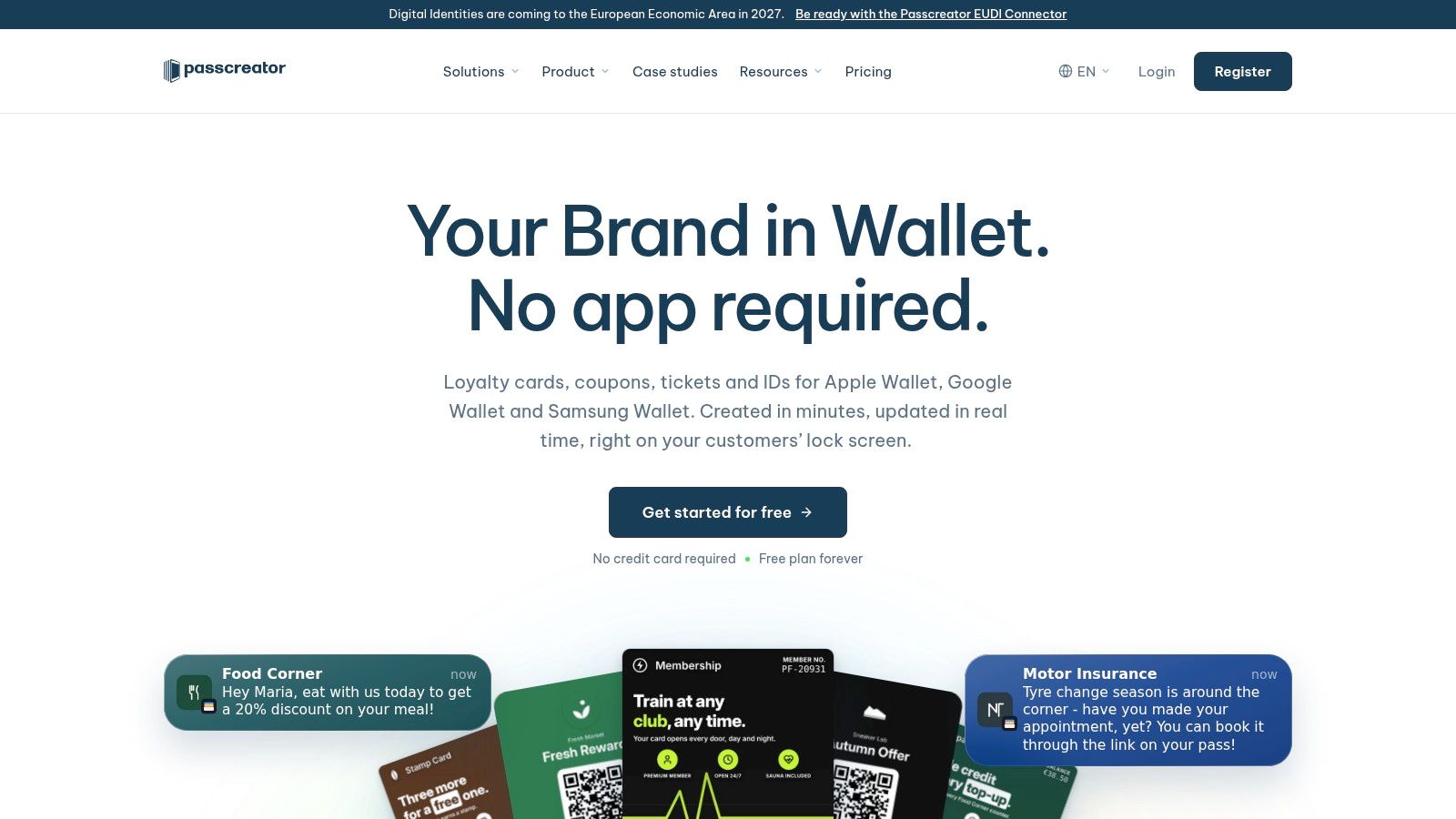
A visual designer doesn't necessarily mean a merchant-ready loyalty system. Passcreator offers no-code-oriented pass creation, distribution, updates, analytics, and API access across Apple Wallet, Google Wallet, and Samsung Wallet.
That makes it appealing to an operations-minded tinkerer who wants to test different credentials without starting with an API. Loyalty cards, coupons, and tickets can share a platform even when their business rules differ.
- Billing unit: The vendor describes charging around downloaded, active registrations rather than draft creation.
- Signing responsibility: Apple Wallet issuance requires an Apple Developer account and certificate.
- Tax treatment: Published signup prices exclude VAT, so use the applicable checkout total when comparing subscriptions.
The important evaluation isn't how many drafts you can design. It's how the platform counts an active registration, handles an inactive customer, and treats a replacement or reissued credential.
Use the free testing allowance to validate the complete lifecycle before inviting customers. Publish a pass, change its content, inspect the installed result, and test the process for withdrawing or deactivating it.
Passcreator suits businesses that want visual control and broader wallet coverage. It requires more operational planning than a narrowly focused stamp app, especially when several employees will issue or modify credentials.
8. PassEntry
A gym managing membership credentials has different needs from a takeaway awarding stamps. PassEntry is worth considering for the former, with templates, batch operations, analytics, notifications, geofencing, a reader app, and API options.
Its broader management features can help a business coordinate credentials rather than distribute them. The trade-off is a platform-level subscription and a more involved evaluation than a small shop may need.
Don't confuse Wallet support with tap-to-earn
PassEntry says NFC access requires approval. More generally, Apple's contactless loyalty documentation specifies NFC credentials and compatible, certified Value Added Services infrastructure, so an ordinary contactless payment terminal isn't enough evidence that loyalty tapping will work.
Hardware rule: Start with barcode redemption unless the provider has confirmed the complete NFC path, including terminal and POS compatibility.
Keep the pass readable even when you're exploring more advanced interactions. This Apple Wallet pass design guide is useful for organizing the customer identifier, status, and reward information before adding promotional content.
PassEntry is a stronger candidate when batch management and membership operations justify the platform. For a single counter with a simple reward, evaluate whether you'll use those capabilities rather than paying for possible future expansion.
9. WalletThat
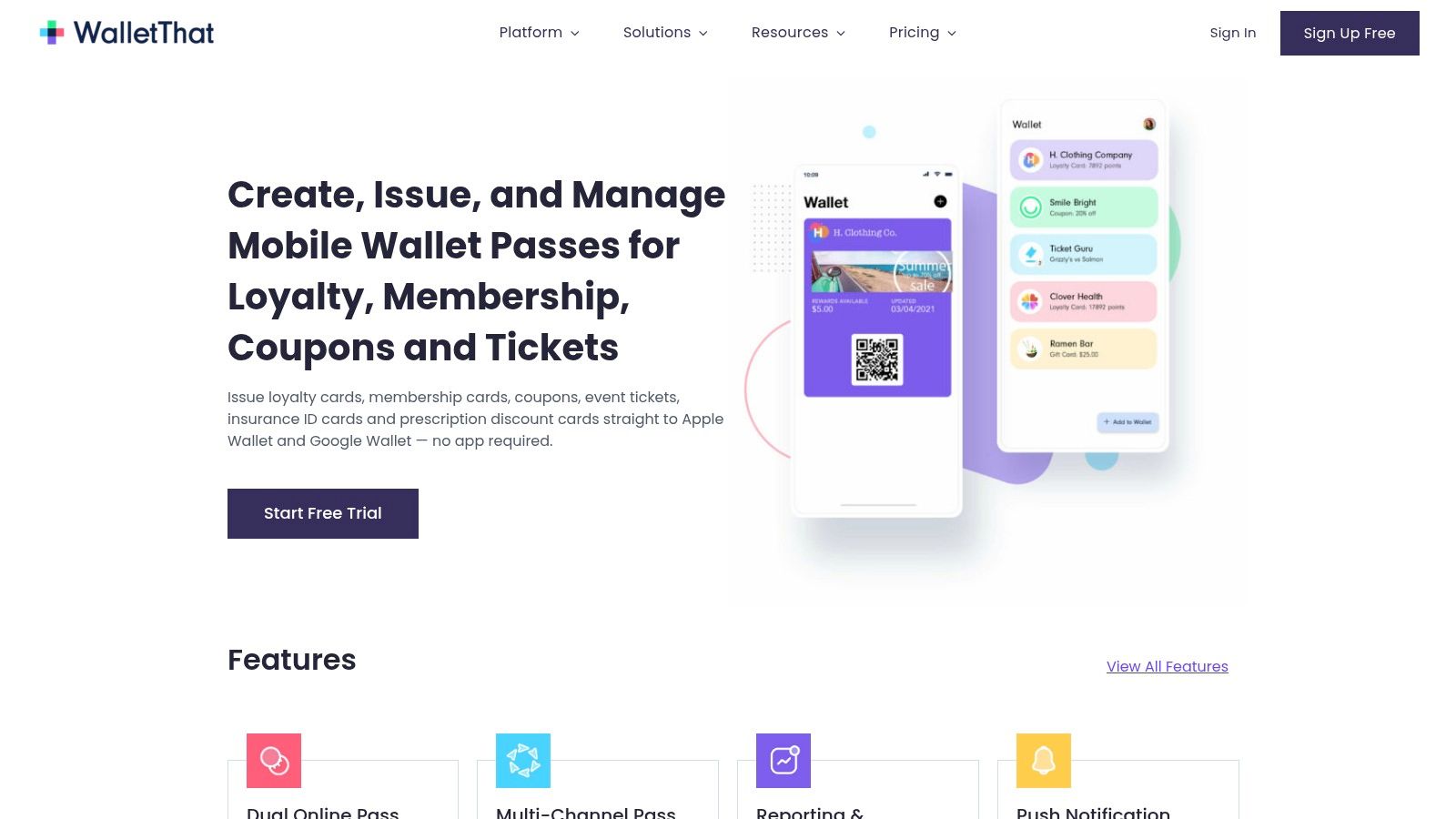
Optional setup assistance can be more valuable than another template library. WalletThat combines a business-oriented pass platform with optional help configuring templates and issuance.
The platform supports loyalty cards, coupons, event tickets, and generic passes for Apple Wallet and Google Wallet. Issuance forms and links, reporting, updates, notifications, API access, and data import/export make it relevant to teams managing more than a basic stamp routine.
The cost comparison needs more than the subscription line. Pass-record charges and optional setup work belong in the same budget, alongside the time someone will spend maintaining customer data.
- Brand limitation: Each account supports a single brand, which matters for agencies or owners with distinct businesses.
- Certificate setup: The vendor requires an Apple Developer account and certificate.
- Assistance boundary: Paid configuration help doesn't remove the need for an internal owner of reward rules and customer records.
WalletThat is a reasonable shortlist option when a business wants a configurable platform but would benefit from help getting issuance right. Before purchasing assistance, define the deliverables: template configuration, enrollment form, data mapping, and a demonstrated update flow.
Otherwise, it's easy to finish setup with a polished card while leaving the actual earning and redemption process unresolved.
10. PassNinja
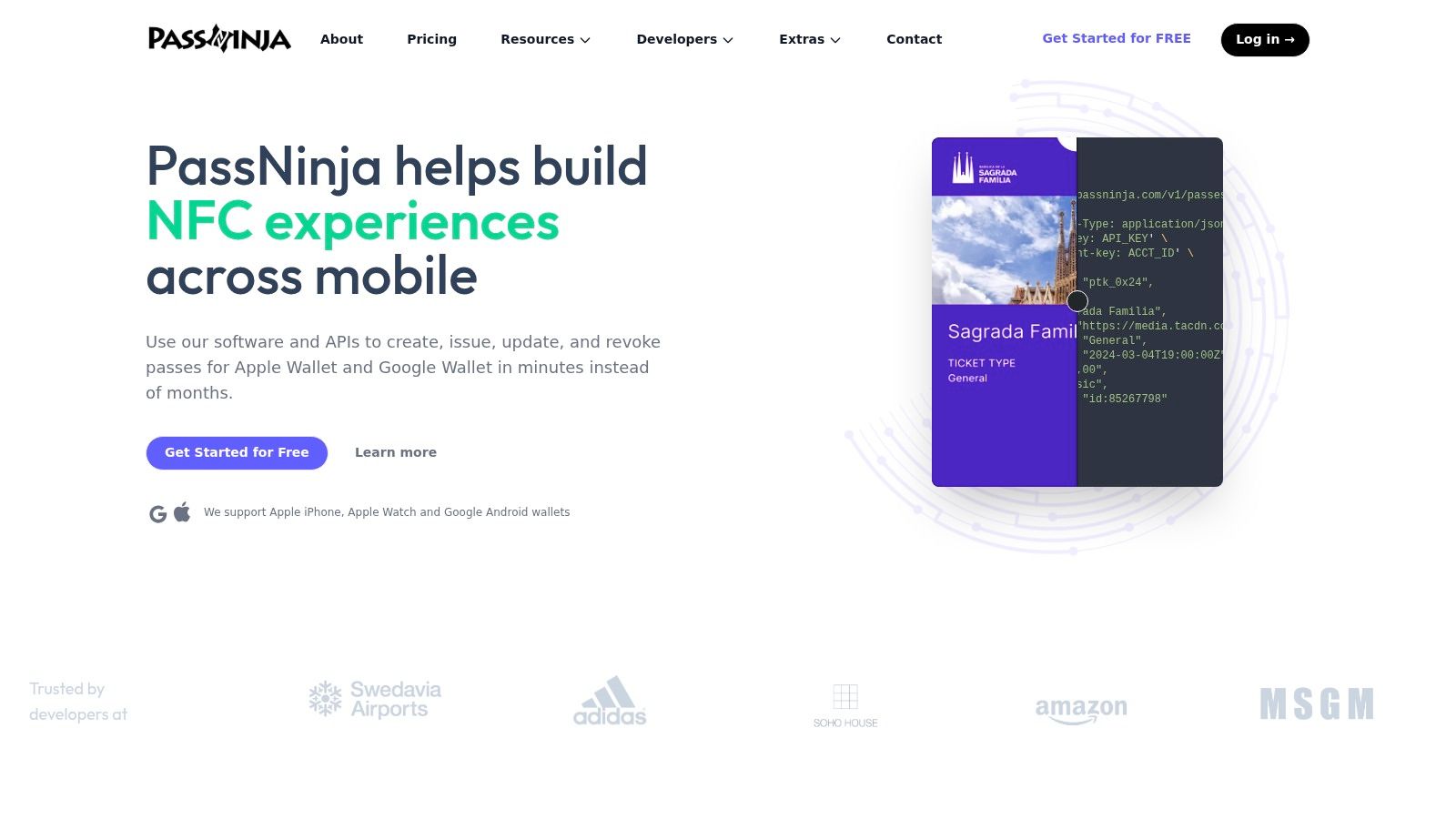
PassNinja is the one entry here that assumes you write code. PassNinja focuses on API-based pass creation and management, custom integrations, and NFC-capable experiences for developers building their own transaction logic.
Pricing follows templates and active passes rather than a fixed small-merchant loyalty package, so the bill scales with usage. The vendor says its platform-partner arrangements can provide a route to NFC without customers supplying their own NFC certificates. Obtaining your own NFC certificate is otherwise a slow step.
Build the transaction system, not just the pass
The API doesn't decide whether a customer has earned a reward. Your application must maintain that record, authorize changes, prevent duplicate redemption, and publish the resulting pass update.
The pass is a display layer for logic you own.
For barcode implementations, Apple's Wallet passes documentation supports dynamic passes and barcode-based interaction. A practical implementation puts an opaque membership token in the barcode rather than exposing personal information.
Plan the customer journey alongside the integration. This guide to adding loyalty cards to Apple Wallet helps frame the enrollment flow your application needs to support.
Choose PassNinja when custom behavior is the requirement; NFC sounding impressive is not one. A developer-oriented platform leaves you responsible for authentication, transaction handling, monitoring, and recovery, even while the service handles pass generation.
Apple Wallet pass maker tools at a glance
The ten tools in this guide split into three groups: small-merchant loyalty apps, general pass builders, and developer platforms. Read the pricing column as a guide to the model, not a number to budget against. Vendors quote differently: flat subscriptions, pay-as-you-go credits, per-record fees, and prices excluding VAT all appear below, and current figures live on each vendor's site.
| Tool | Best for | Starting price | Free trial/plan | Pass types |
|---|---|---|---|---|
| Loyal Customer (recommended) | Small businesses wanting simple Wallet-based loyalty | Free trial available; see current plans on the vendor site | Free trial | Stamp cards, points |
| Loopy Loyalty | Businesses wanting digital stamp cards | Monthly subscription; see vendor site | Free trial offered | Stamp cards |
| StampyWallet | Local businesses using QR-code stamp cards | Monthly subscription; see vendor site | Free trial offered | Stamp cards |
| Stampioo | Independent shops wanting Wallet loyalty cards | Monthly subscription, excluding VAT; see vendor site | Free trial offered | Loyalty cards |
| Pass2U Service | Businesses creating and managing custom passes | Pay-as-you-go credits or monthly plans | Free starting credits | Loyalty, punch cards |
| PassKit | Teams building custom pass workflows | Quote-based; see vendor site | Free trial offered | Loyalty, membership, coupons, other passes |
| Passcreator | Businesses creating passes across wallet platforms | Free plan; paid tiers on vendor site | Free plan with limited active registrations | Loyalty, coupons, tickets, other passes |
| PassEntry | Businesses managing loyalty and membership passes | Subscription with annual billing option; see vendor site | Free trial offered | Loyalty, membership, other passes |
| WalletThat | Businesses issuing and managing multiple pass types | Monthly fee plus a per-pass-record charge; see vendor site | Trial with capped pass records | Loyalty, coupons, tickets, generic passes |
| PassNinja | Developers building custom wallet-pass experiences | Usage-based; see vendor site | Free credits for verified accounts | Wallet passes, including NFC-capable passes |
Two pricing details deserve a second look before you shortlist. Credit and per-record models (Pass2U, WalletThat, PassNinja) scale with usage, which keeps early costs low but can outgrow a flat subscription once pass volume climbs. Stampioo quotes excluding VAT, and Passcreator's free plan caps active registrations, so compare the limits and billing basis rather than the headline figure.
Start Small, Launch This Week
Pick the simplest tool that matches the transaction your staff already understand. A café rewarding qualifying visits should begin with a clear stamp routine. A retailer rewarding spend needs a dependable way to record eligible amounts, while a membership business needs a reliable status record.
The most consequential distinction is a pass maker versus a loyalty system. A pass maker creates the credential customers carry. A loyalty system also determines balances, records earning and redemption, and gives staff a controlled way to change those records.
For a phone-first stamp or points program, I would start with the integrated small-merchant approach rather than an enterprise platform. Staff should be able to identify the customer, record the activity, and explain the result without switching between unrelated records.
Validate the complete reward cycle
Don't begin with a public launch or an elaborate campaign. Run a realistic test with the phones, employees, and checkout conditions you'll use.
- Enroll naturally: Place the enrollment QR code where customers can scan it without blocking payment.
- Award deliberately: Give staff a clear rule for what qualifies, including discounted purchases and excluded items.
- Redeem completely: Test the deduction or reset, not just the message announcing an available reward.
- Handle mistakes: Establish who can correct duplicate activity, reverse a refunded purchase, and resolve a disputed balance.
- Test connectivity: Distinguish an available offline barcode from a successfully synchronized transaction.
For API-based platforms, assign a named owner to certificates, integrations, and update failures. For manual phone workflows, assign responsibility for staff access, device availability, and end-of-day exceptions. Neither approach runs itself.
Compare the cost of the working setup. Include VAT where applicable, credits, active registrations, pass records, staff access, extra locations, and any implementation assistance. A lower advertised fee doesn't help if employees must maintain a second ledger to make the program usable.
Launch with a reward you can explain in a short sentence, then watch customers enroll and staff process it. Expand only after earning and redemption work consistently. Better card artwork and more advanced campaigns can follow; a dependable checkout routine needs to come first.
Loyal Customer offers branded native Apple Wallet and Google Wallet loyalty cards with phone-based points or stamp management. Staff scan customer passes in the mobile app, and earning or redemption updates the customer's card automatically. Visit Loyal Customer to preview your Wallet card and try the checkout workflow before launching.