You hand a regular their drink, they pat their pockets, and the punch card is at home again. You offer to start a new one, they smile politely, and neither of you believes those earlier stamps will ever turn into a free drink. That's the quiet failure most small shops know well. The reward was fine. Getting to it wasn't.
That's why mobile loyalty programs matter less as software and more as a habit fix. If customers can't join in seconds, see their balance, and redeem on their phone, your program stalls no matter how generous it looks.
Table of Contents
- What Mobile Loyalty Programs Are and Why They Work
- Wallet Passes, Apps and SMS Compared
- Reward Models and What Each One Costs
- Evaluation Criteria for Choosing a Solution
- How to Launch a Mobile Loyalty Program in Six Steps
- Why Most Mobile Programs Stall After Launch
- Keeping Passes Working After Sign-Up
- Mobile Loyalty Examples for Small Shops
- Pick One Model and Launch It This Week
What Mobile Loyalty Programs Are and Why They Work
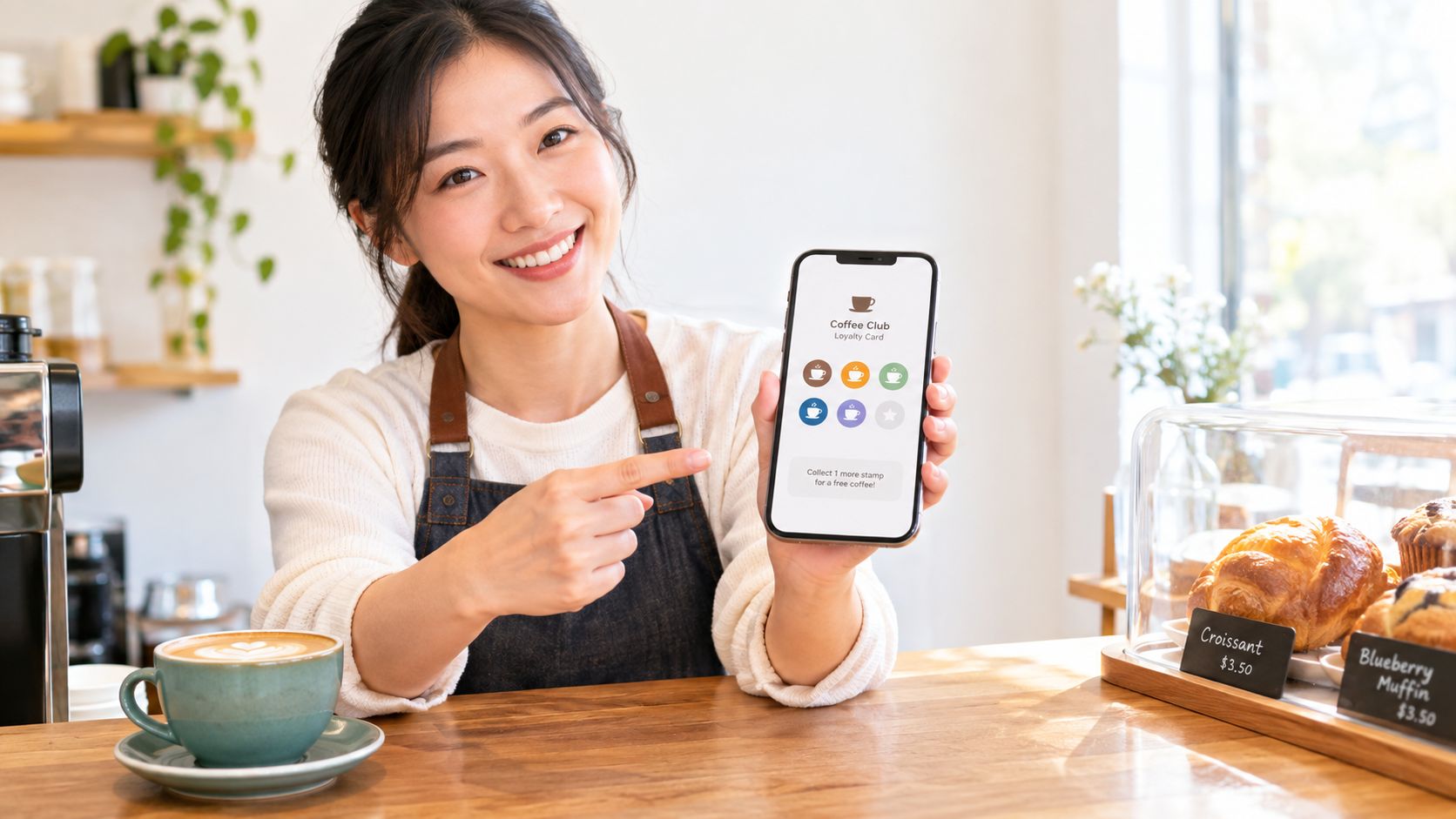
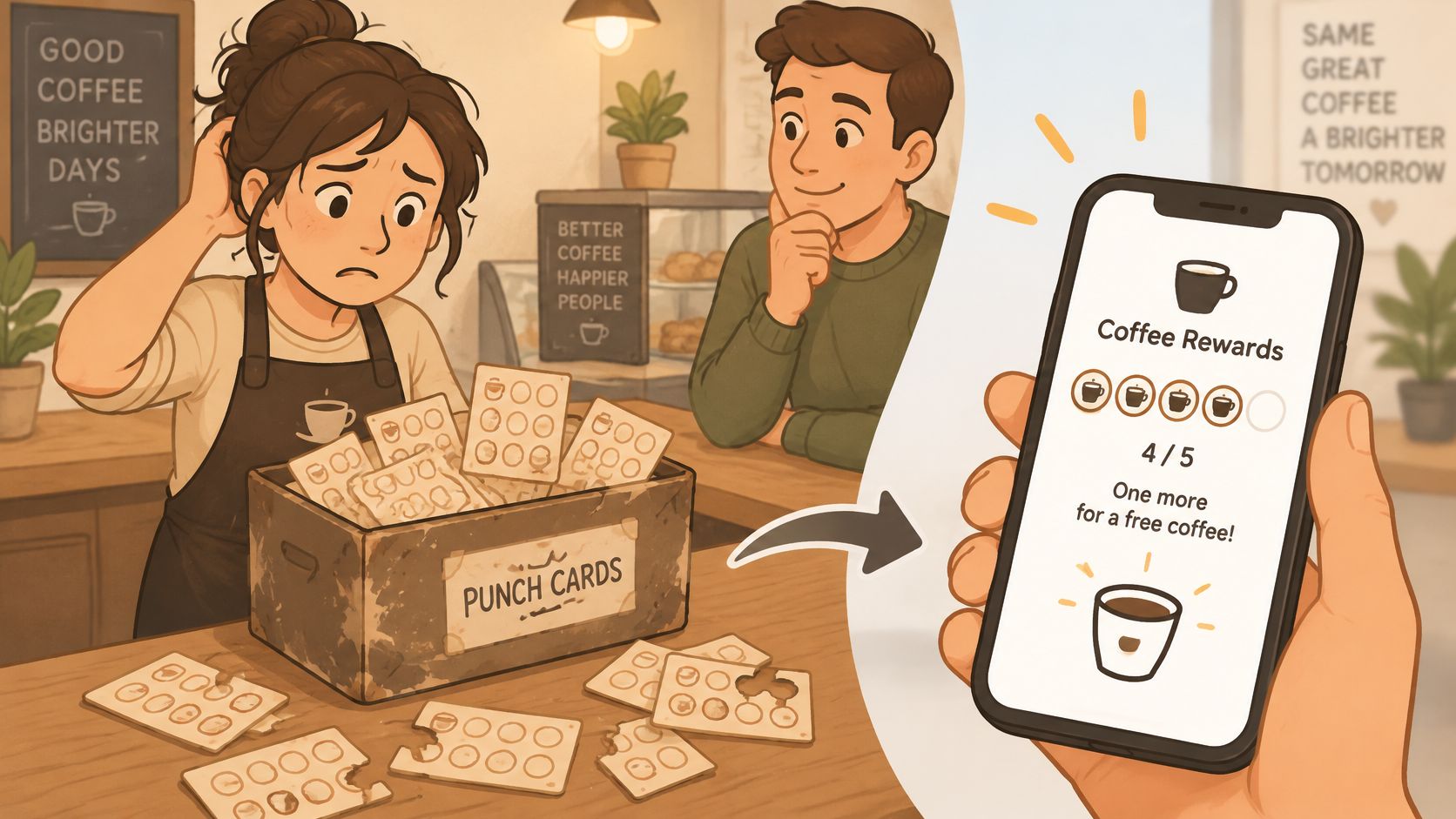
Say a café owner keeps a shoebox of spare paper punch cards by the till because customers lose theirs so often. A customer returns for their fifth coffee, swears they had four stamps, and staff either guess, argue, or start over. A mobile program keeps that same promise, but moves it onto the phone the customer already carries.
You've got four parts. There's a customer identifier, usually a phone number or pass. There's a balance of stamps or points, a reward threshold, and a way for staff to add or redeem value at checkout.
Points Versus Stamps in Plain Terms
Points scale with spend, so a big basket earns more than a small one. Stamps count visits, so each qualifying visit moves the customer one step closer, whatever they spent.
Phones fit because people juggle many memberships. The 2016 Points study surveyed 1,500 U.S. consumers who belonged to at least one loyalty program and found 63.8% had used a mobile wallet during the previous year. It also found 92% belonged to between 1 and 20 loyalty programs, which explains why another loose card gets forgotten.
In Merkle's Loyalty Barometer Report, based on 2,000 consumers, 66% said mobile-app transactions increase their likelihood of making repeat purchases. The value isn't a fancier reward. It's a reward that's present at the moment of purchase.
Wallet Passes, Apps and SMS Compared
Four options cover most small shops, and you can judge all of them on the same ground. How much effort does the customer make, do they need your app, where does it fit, and where does it break?
| Option | Customer effort | Needs a customer app | Best fit | Main limitation |
|---|---|---|---|---|
| Wallet pass (Apple Wallet or Google Wallet) | Open a link, verify phone, add pass | No | Cafés, salons, bakeries and repeat-visit shops | Customers must know how to add it and find the balance |
| Standalone brand app | Download, install and create an account | Yes | Chains and merchants with a large, frequent customer base | Low install rates among occasional visitors |
| SMS or text stamps | Opt in with a phone number | No | Phone-first customers and simple visit counts | Limited card design; depends on customers reading texts |
| Paper punch card | Carry and present the card | No | Very small shops with few regulars | Lost or forgotten cards and no customer data |
Start with paper as your baseline. It costs almost nothing and everyone understands it, but you learn nothing about who came back, and the whole system collapses when the card is in another coat.
A wallet pass asks for less. The customer opens a link, verifies their phone, and saves the pass to Apple Wallet or Google Wallet, so you cover iOS and Android without building anything. At checkout it's already on the phone they're paying with. Its weak point is education, not technology. Some customers won't know where the pass went or how to check stamps unless you show them once.
Where Apps Win and Where They Lose People
A standalone app can hold menus, ordering, and richer offers for members who keep it installed. That depth is real, and the Global Customer Loyalty Report 2025 figures found 59.0% of respondents preferred mobile apps as their favorite way to engage with a loyalty program. Preference isn't the same as downloading your app, though. Most occasional visitors drop out at the download and account step, which is exactly where a small shop needs them most.
SMS stamps need only an opted-in phone number, so they suit customers who live in texts and dislike new tools. You give up card design and a persistent balance view, and a buried text thread is easy to ignore.
Decision rule: Pick the lowest-effort channel that still shows a visible balance where your customers already spend time on their phones.
Reward Models and What Each One Costs
A regular at a café will trade six visits for a free coffee without thinking twice. Ask the same person to learn a tier system with bonus categories and expiration math, and the card sits unused. That unused card is your real cost. Software fees are visible on an invoice. Failed redemption and confusing onboarding cost you repeat visits you never see.
The 2025 Alter Agents consumer study on shifting sentiment toward loyalty and value points in the same direction. Shoppers facing tighter budgets say they lean toward programs that return clear savings, especially discounts and cashback, over complex personalization. For a small shop with no data team, that is good news. Pick one simple rule, print it on the pass, and honor it fast at the till.
| Reward model | Example | Cost control | Best for |
|---|---|---|---|
| Visit stamps | Free drink after every sixth visit | Fixed reward, predictable liability | Cafés and bakeries |
| Points threshold | Free item at 100 points | Set thresholds and expiry dates | Salons and mixed-spend retail |
| Fixed-amount discount | $5 off a $50 basket (illustrative) | Easy to budget; can lift basket size | Grocery and independent retail |
| Percentage discount | 10 percent off the next visit | Margin varies by product; use a minimum spend | Restaurants and spas |
| Category bonus | Double points on pastries | Targets high-margin items | Bakeries and tea shops |
Every unredeemed stamp or point is reward liability, a future cost you have promised. Breakage, the share never claimed, lowers that cost in practice.
Do not chase breakage with hidden rules. A customer who learns at checkout that points expired last week feels tricked. Use two quiet controls instead. Expiry dates stop liability from piling up forever. Minimum-spend thresholds stop a discount from erasing margin on a tiny visit. State both on the pass in words a first-timer understands.
One Bakery Example You Can Copy
Say a bakery gives a free pastry after every sixth coffee. The math is one reward against six paid visits, which the owner can weigh against average basket size before launch. The outcome depends on what else lands in the basket.
If most coffee buyers also take bread home, that pastry buys cheap retention. If they buy only a small coffee, six visits may give away too much margin. Run one rule for four weeks, compare visit frequency and average ticket, then adjust the threshold once and keep it stable so customers learn to trust it.
Evaluation Criteria for Choosing a Solution
Run any provider against the same checklist and score it in about ten minutes. You're looking for green flags you can verify, not promises on a sales page.
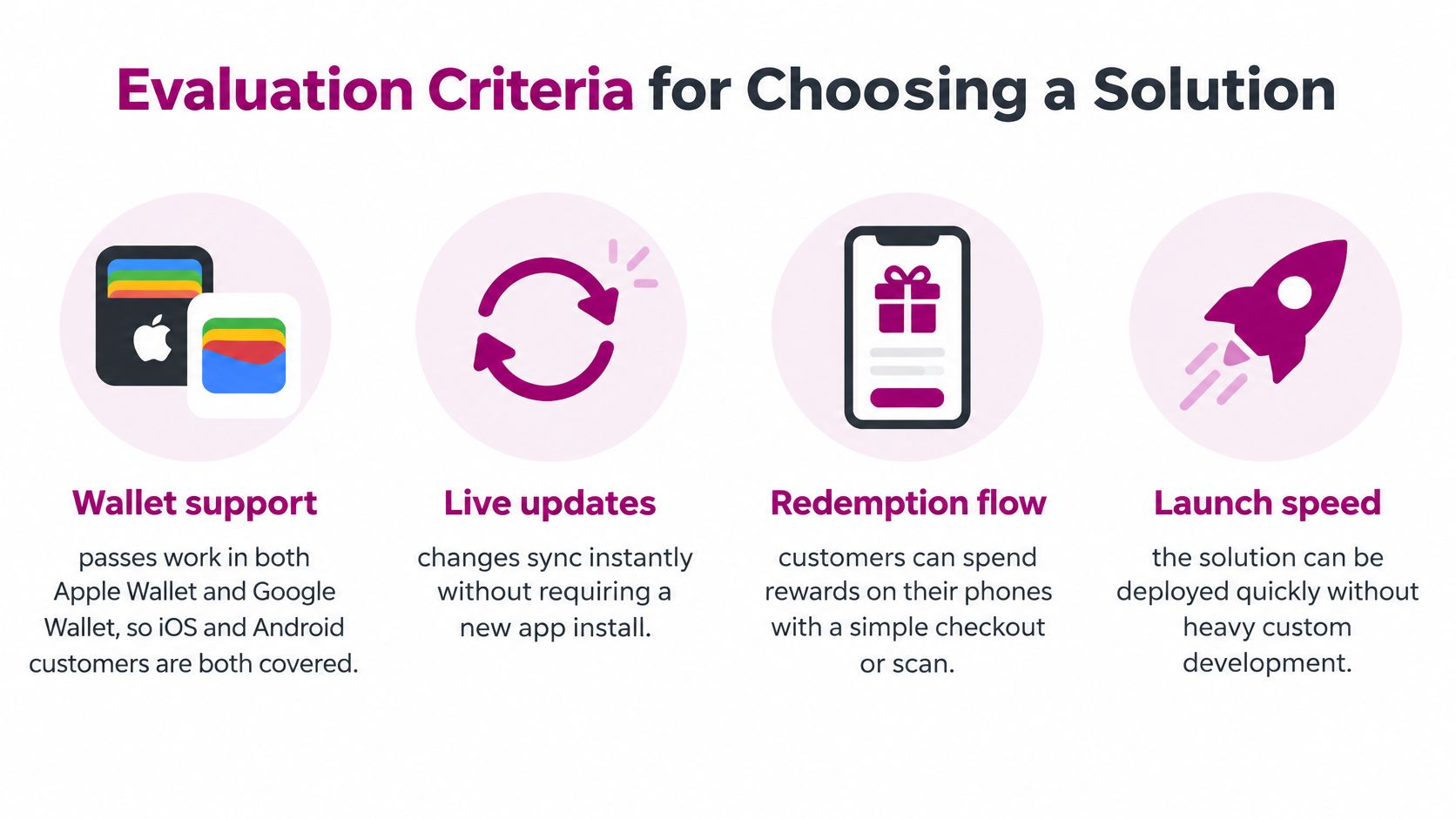
- Wallet support: Green flag, passes work in both Apple Wallet and Google Wallet. Red flag, one platform only, so half your queue is excluded.
- Customer access: Green flag, members join and redeem without downloading an app. Red flag, an account and password before the first stamp.
- Phone redemption: Green flag, rewards start and finish on the phone. Red flag, mobile only delivers messages and staff finish the job manually.
- Program model: Green flag, points, stamps, or both, with a clear answer on changing later. Red flag, you're pushed into a model that doesn't match your basket.
- Hardware needs: Green flag, it works without a POS integration, tablet, or dedicated scanner. Red flag, extra kit appears after signup.
We built our own setup around that hardware point. Our built-in QR scanner adds or redeems points at checkout on any smartphone, with no POS system or extra hardware.
- Staff workflow: Green flag, adding a stamp takes seconds at a busy counter. Red flag, staff need several screens while a queue forms.
- Data and ownership: Green flag, you know what's stored and can export it. Red flag, your customer list is locked inside the tool.
- Limits: Green flag, caps on customers, offers, or programs are stated clearly. Red flag, you discover a ceiling only after customers join.
- Trial and exit: Green flag, a free trial lets you test setup before paying, and leaving is straightforward. Red flag, payment comes before your first test redemption.
Which Criteria Matter Most for You
A fast counter lives or dies on staff workflow and phone redemption. A salon with varied ticket sizes should weight the program model more heavily, because stamps can over-reward small visits. A seller with no till should put hardware needs and customer access first.
If a provider can't demo a full redemption on a real phone, treat every other feature as unproven.
How to Launch a Mobile Loyalty Program in Six Steps
A loyalty launch fails at the till, not in the settings screen. If enrollment takes too long or redemption needs staff rescue, customers stop using it after one visit. Walk the full journey on a real phone before you invite anyone else.
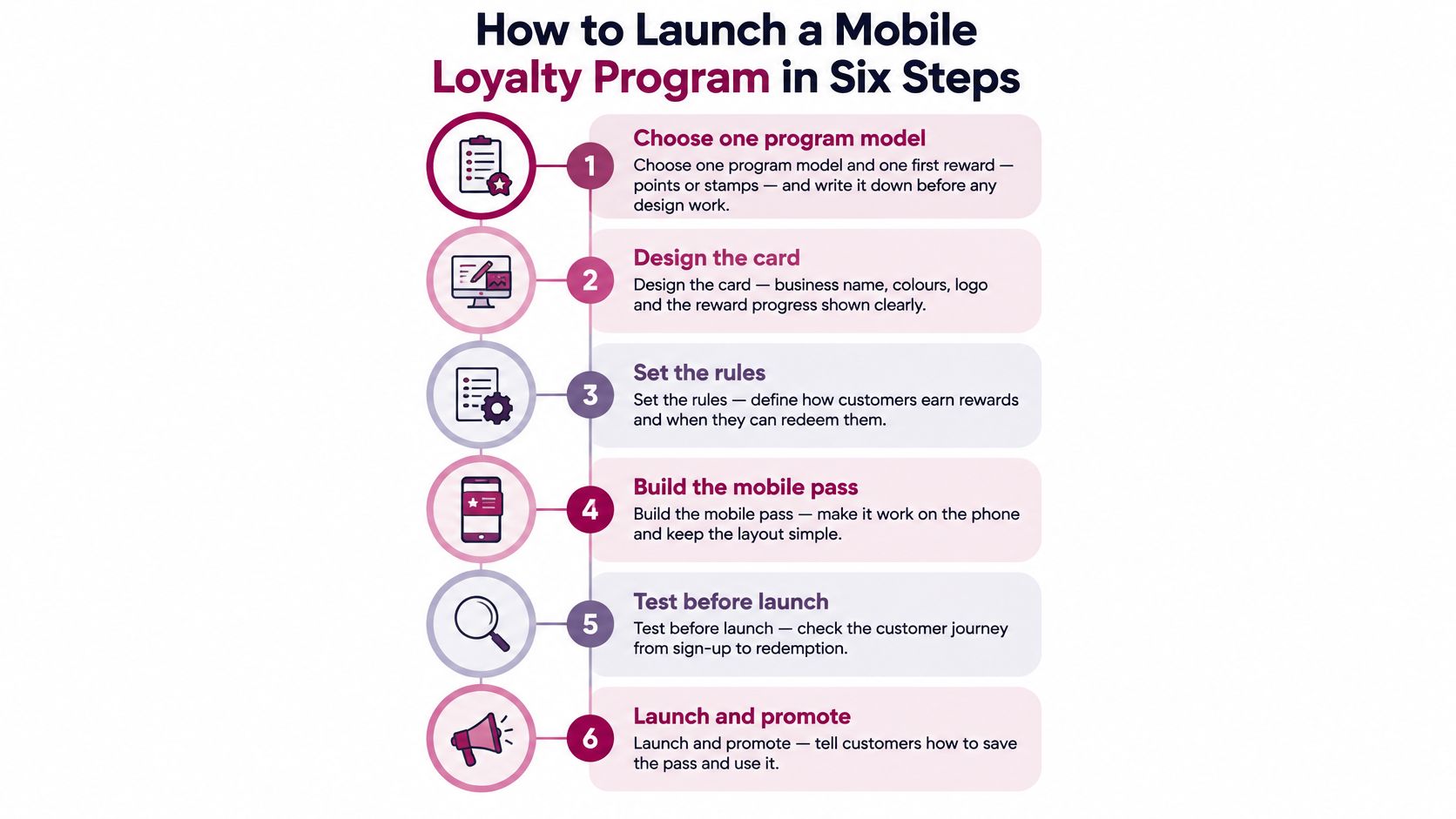
1. Choose one model and one first reward. Pick points or stamps and write the rule in one sentence, for example "1 point per $1, free coffee at 50 points." A cafe owner who launches two offers at once forces staff to explain two sets of rules while the queue grows. Remember each business runs only one loyalty program and the type cannot be changed after launch, so commit to the model that fits your average basket.
2. Design a card that explains itself. Put business name, colours, logo and the reward line on the front of the digital pass. The pass lives in Apple Wallet and Google Wallet, and it updates automatically after every visit. Test this effectively. Show it to someone for five seconds. They should state how to earn and what they get.
3. Set up enrollment at the till. Each business gets a unique public link to a branded page where customers verify identity and download the card with no app required. Print that link as a QR code on a counter card that states the payoff, such as "Scan, add to Wallet, get 10 points today." A bare code with no reason to scan gets ignored.
4. Confirm identity by phone. Customers enter their phone number, verify it with a one-time code, then add the card directly to Apple Wallet or Google Wallet. That OTP step ties the pass to the right person and lets them recover it if they change phones. It adds seconds now and saves arguments about lost stamps later.
5. Teach the add step for both wallets. Most shoppers already carry a digital wallet, while a smaller share still have never set one up. Your sign-up page should show separate Apple Wallet and Google Wallet instructions, and staff need a two-sentence script for each. A salon might say, "Tap Add to Apple Wallet at the top, then tap Add in the top corner." Without that coaching, enrollment stalls at the final tap.
6. Test with staff before launch. Run five real sign-ups and five redemptions at the counter using the built-in QR scanner in the mobile app, which adds or redeems points instantly with no POS system or extra hardware. Time each one. Our loyalty program launch playbook gives you a fuller checklist for that rehearsal, including what to fix when a scan takes more than a few seconds.
The six steps below summarise the same sequence for a staff wall or training chat.
Why Most Mobile Programs Stall After Launch
A cafe owner adds 200 members in month one, then sees only a handful redeem anything in month two. The pass sits in the wallet, the texts go out, and customers still ask at the till, "How do I use this?" The software price did not cause that stall. The onboarding gap and the redemption gap did.
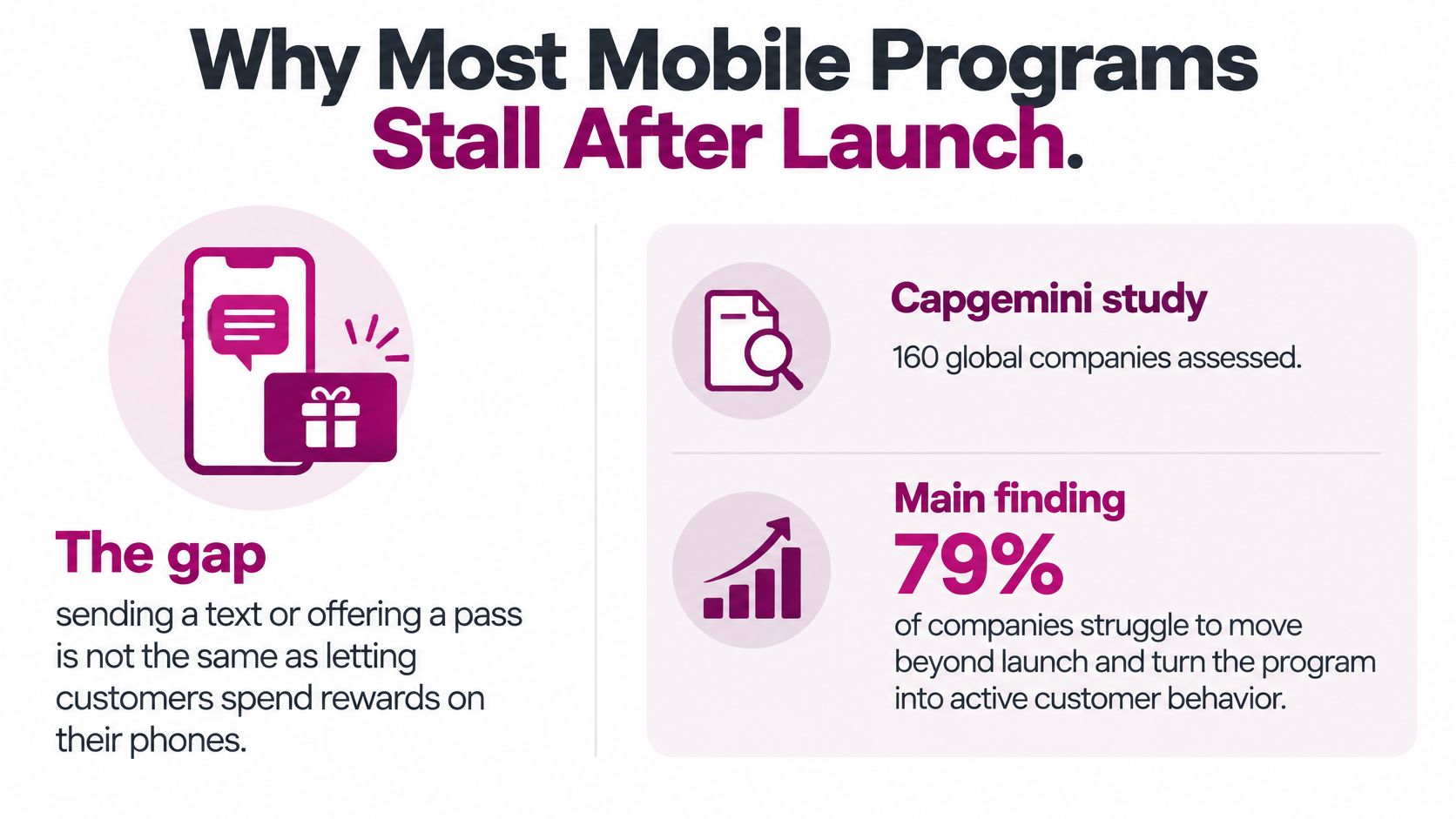
In Capgemini's assessment of 160 global companies, 79% of loyalty programs used mobile in some form, but only 24% enabled reward redemption through mobile. The customer gets a message, then still needs a physical card, a desktop website, or staff help to claim anything.
Think of enrollment as handing over a library card and redemption as letting someone check out a book. Many shops do the first part well and leave the second part broken. A complete phone journey needs four parts working together. Enrollment, a visible current balance, a clear eligibility message, and a redemption staff can confirm in seconds. Miss one and the line slows.
Four Numbers to Check Monthly
- Mobile completion share: Rewards started and completed on mobile, not just announced there.
- Redemption latency: Time from redemption request to confirmation at the counter.
- Failed redemptions: Attempts that errored, expired, or confused the customer.
- Staff-assisted transactions: Redemptions your team had to rescue by hand.
Say a salon has 300 members and 40 rewards a month need staff help. That points to a usability problem, not a marketing one. Another offer will not fix it.
That same assessment reported only 16% of programs rewarded non-purchase behaviors such as referrals, reviews, or surveys. Those actions cost little and give customers a way to earn between visits. Start with the fix that removes friction first. Make the balance visible on the pass and review your staff-assisted share every month.
Keeping Passes Working After Sign-Up
Sign-up isn't the end of the job. A pass can remove download friction and still fail if customers never see a balance change, can't recover it, or don't learn points expired until it's too late.
Plan for four recovery cases and test each one during launch. A customer who changes phones re-verifies with the same number and a one-time code, and you reissue the pass to the new device. A customer who loses a pass gets looked up by phone number and you resend the link. A customer who deletes it gets the link again from the counter card.
Expiry, Updates and Confidence
Put the expiry rule on the pass itself and send one reminder before points lapse. Unredeemed value shouldn't vanish unnoticed, because surprise losses undo the goodwill the reward was meant to build.
After every visit, check that the stamp or points total refreshes on both Apple Wallet and Google Wallet. Fix any delay before launch, since a stale balance makes customers think the visit didn't count. Our guide to the Apple Wallet loyalty card covers how that pass behaves day to day.
Finally, print a one-page how-to card in large text and keep a short staff script for customers with low digital confidence. They're the group a wallet-only answer tends to miss, and a calm thirty-second explanation at the till usually saves them.
Mobile Loyalty Examples for Small Shops
Say a café serves similar orders at a fast counter all morning. A wallet pass with visit stamps fits, with a free drink after every sixth visit, because staff can scan, stamp, and move on. The customer sees the stamp land before they've pocketed their phone.
A hair salon has a different problem. A trim and a full colour shouldn't earn the same thing, so a points threshold makes more sense, with staff confirming redemptions at booking when there's time to talk. Spend varies, so the reward should vary with it.
An independent grocery store competes on the weekly total. A fixed-amount discount available at a points threshold speaks that language, because customers already compare basket totals in their heads. The discount feels like money off the shop they were doing anyway.
Sellers Without a Counter
An Instagram or WhatsApp seller has no storefront and no till. A link-based pass shared in the chat is the natural channel, since the conversation is already on the customer's phone. Keep an SMS fallback for buyers who'd rather get texts than save a pass.
Other fits follow the same logic. A gym can tie visit stamps to class check-ins, rewarding attendance rather than spend. A bakery can add category bonuses on pastries, steering the extra purchase toward a high-margin case.
Every scenario passes or fails on one test. Does the customer see the balance at the moment they buy? Browse more customer loyalty examples if you want patterns from other trades, then pick the one whose customers already pay with their phones, like yours do.
Pick One Model and Launch It This Week
Your decision comes down to three questions. Which channel fits your customers, which reward model protects your margin, and which provider passes the checklist without excuses?
Give that choice a day of testing before you commit. With us, each business runs only one loyalty program, and the program type cannot be changed after launch, so the model question deserves real care. Start the 7-day free trial when you're ready to launch, since that's when it begins.
Joining stays simple for customers. They visit your unique link, verify their phone with an OTP, and add the loyalty card directly to Apple or Google Wallet, with no app needed.
Your First-Week Checklist
- Print the QR code: Put it at the counter with the reward stated in plain words.
- Train one staff member: Make them your redemption expert for the first week.
- Check numbers daily: Watch sign-ups and completed redemptions, and note every question customers ask at the till.
Those counter questions are your real onboarding report. If people keep asking where the pass went, fix your instructions before you touch the reward.
Your test of success is simple. A customer redeems a reward on their first return visit without staff rescue. So take the single next step today. Start the free trial and print the QR code.
Loyal Customer lets you run a points program or digital stamp card from your phone, with branded passes your customers save to Apple Wallet or Google Wallet and no app for them to install. If you want a mobile loyalty program built around fast sign-up and redemptions that finish at the counter, visit Loyal Customer and start your trial when you're ready to launch.