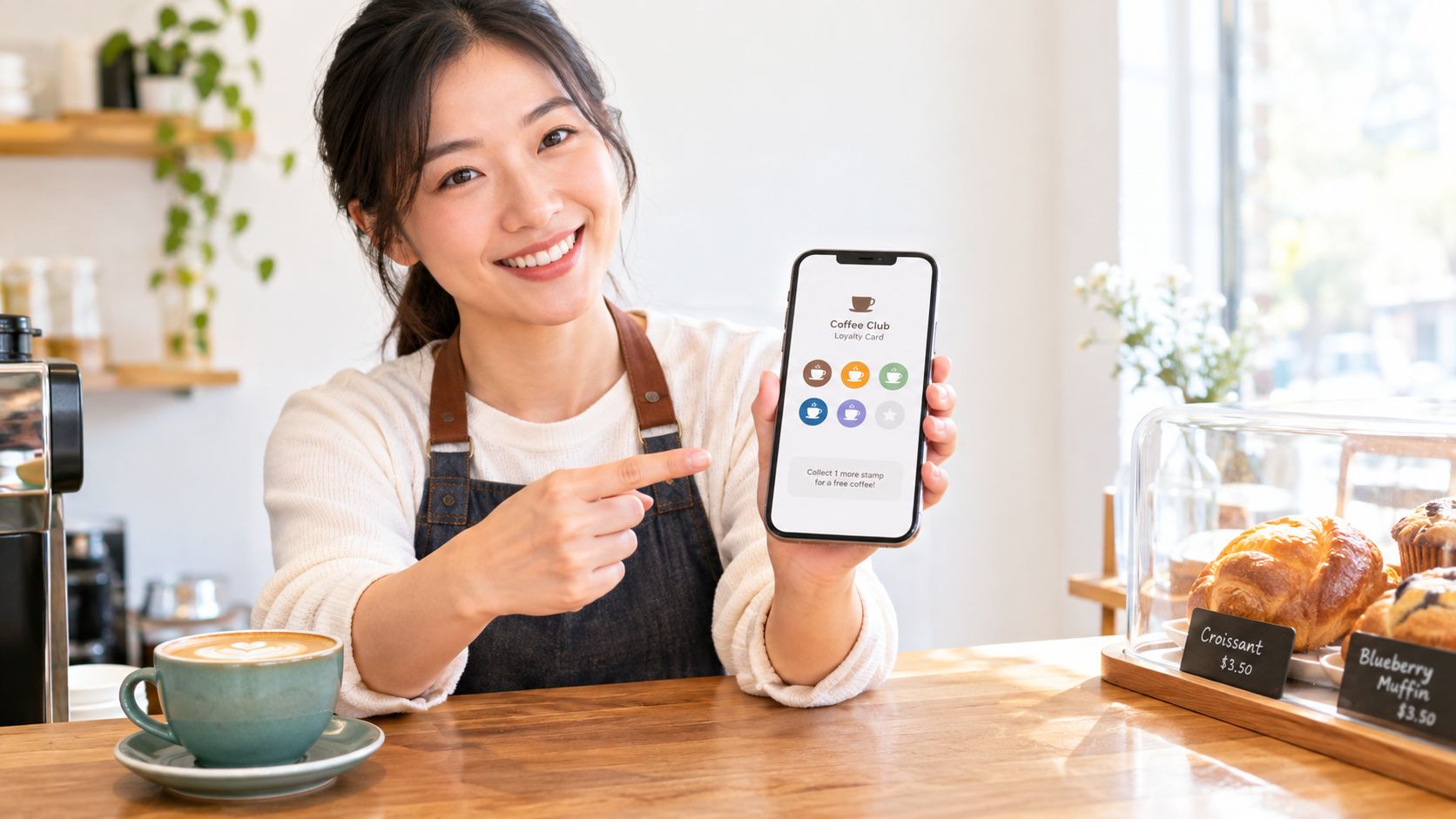
A customer reaches the counter, smiles, and says they should have a free coffee by now. Then they pat their pockets, check their bag, and realise the paper punch card is gone. You know they've been in. They know they've been in. But the reward disappears because the card did.
That moment is why so many small businesses are moving to a digital loyalty card. Not because it sounds modern, but because it removes a stupid little point of friction that keeps costing repeat visits. If the card lives in Apple Wallet or Google Wallet, customers don't need to remember a scrap of cardboard. They pull out the phone they already have in hand.
For cafés, salons, takeaways, bakeries, and small retail counters, the practical questions are simple. Should you run points or stamps. Should you use a wallet pass or a full app. And can you operate the whole thing from a phone without buying extra hardware. Those are the decisions that matter in the world.
Table of Contents
- Why Your Paper Punch Card Is Costing You Repeat Visits
- Points or Stamps Which Model Fits Your Business
- How to Launch a Wallet Ready Digital Loyalty Card From Your Phone
- Running Rewards Day to Day Without Extra Hardware
- How to Know Your Digital Loyalty Card Is Actually Working
- Your Next Move to Keep Customers Coming Back
Why Your Paper Punch Card Is Costing You Repeat Visits
The usual paper card problem isn't that customers hate it. It's that paper fails at the exact moment loyalty is supposed to work. The card gets bent, washed, left in another jacket, or tossed with a receipt. Then a regular customer shows up, buys again, and gets no progress toward the reward.
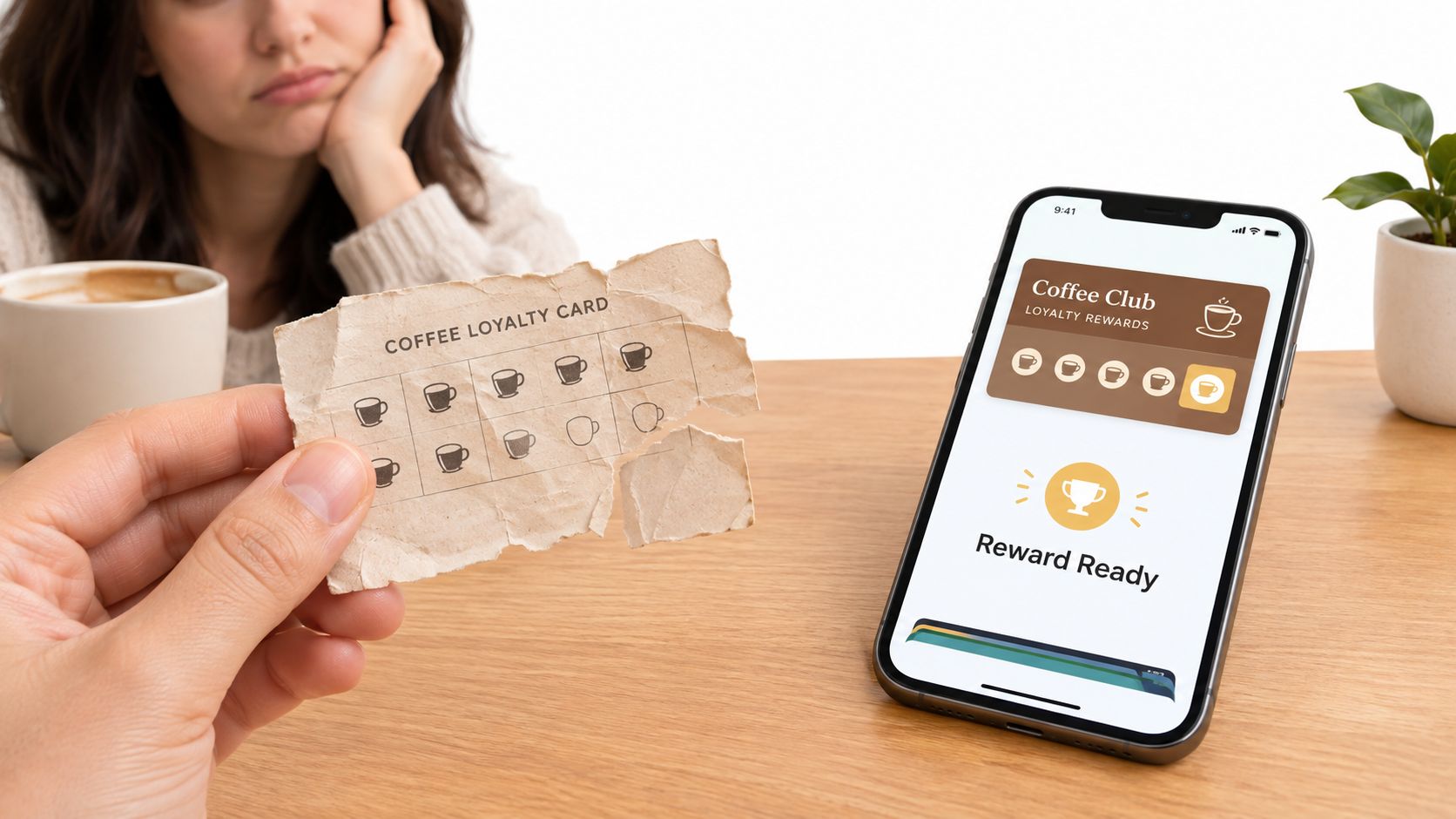
That's where wallet-based loyalty changes the experience. Apple says loyalty passes in Wallet can track visits, points, or other activity, and that enrolment doesn't require extra input from the user compared with pen-and-paper or manual forms, which fits a straightforward visit or points workflow at the counter (Apple Wallet loyalty passes).
What changes for the customer
A wallet pass is easier to keep and easier to present. Apple also supports adding passes without requiring the merchant's app, and independent wallet-pass guidance notes that the pass is separate from payment data, so saving a loyalty card doesn't share the customer's credit-card details with the merchant (wallet pass FAQ).
That matters because most customers won't install another branded app for one local business. They will save something that opens from the phone wallet they already use.
Paper cards ask customers to remember your program. Wallet passes put the program where customers already look.
What changes for the merchant
You stop reprinting cards. You stop arguing over whether someone “probably had a full one.” You make the reward path visible at checkout instead of leaving it buried in a purse or glove box.
Digital loyalty cards didn't appear out of nowhere. They grew as smartphone wallet systems matured. Apple added loyalty card presentation in Wallet via NFC in 2015, and market coverage says the broader digital loyalty program market was estimated at US$51.5 billion in 2024 and is projected to reach US$113.3 billion by 2034 (digital loyalty market overview).
Points or Stamps Which Model Fits Your Business
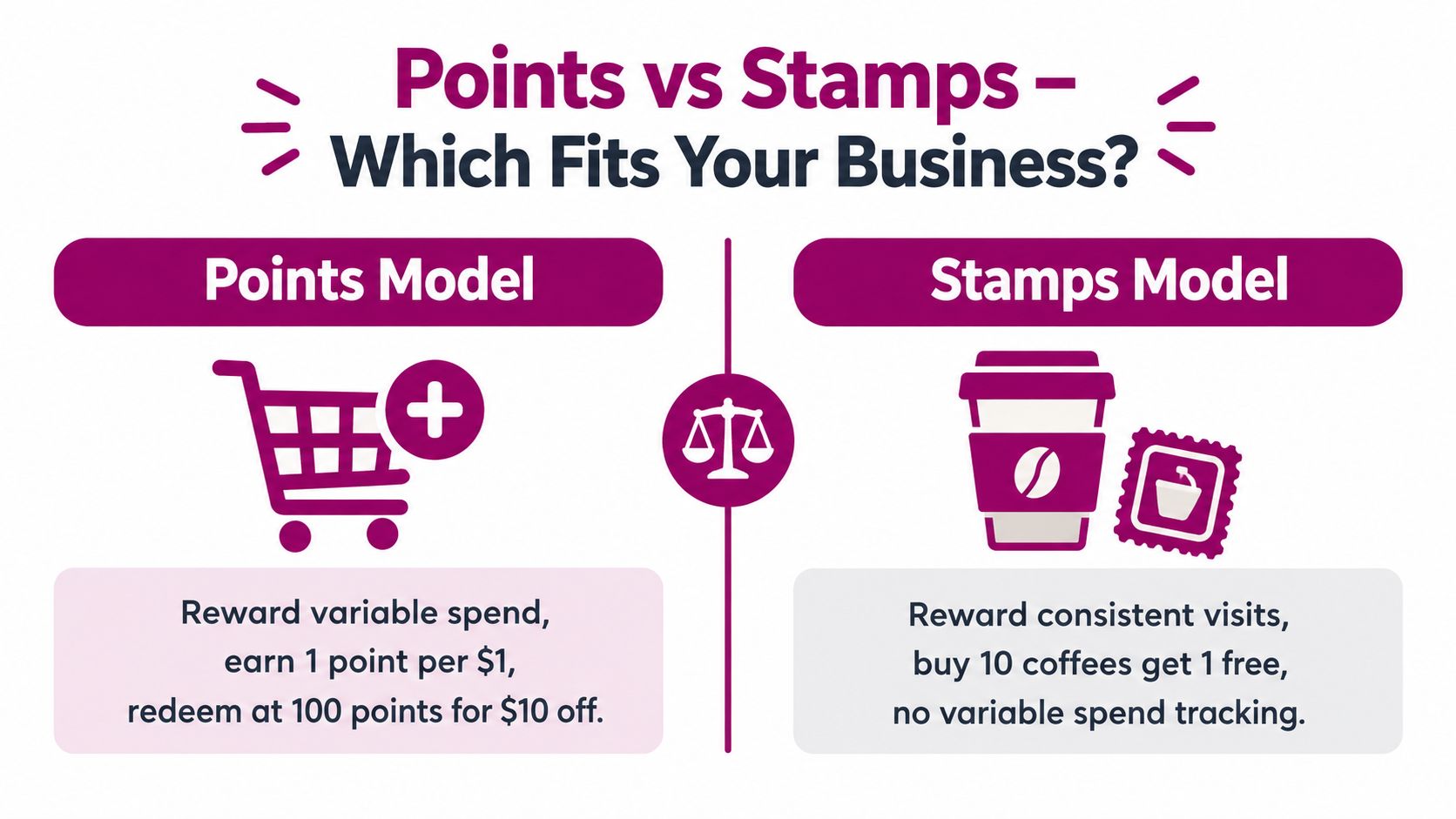
The model matters more than the software. I've seen businesses spend too long comparing tools when decision is much simpler: are you rewarding spend, or rewarding visits?
When points make sense
Points fit businesses where basket size changes a lot. A salon might sell a cut, a treatment, and retail products in one visit. A small shop might have customers spending very different amounts each time. In those cases, points feel fair because bigger spend earns more.
If you want a deeper walkthrough of this model, this guide to a points-based loyalty program is a useful reference.
When stamps work better
Stamps are usually better for simple, repeated transactions. Cafés, bakeries, tea shops, barbers, takeaways, and micro-merchants selling on Instagram or WhatsApp often do better with a clean “buy X, get Y” structure. No one needs to calculate anything at the till.
Here's the simple truth. Stamps are easier for staff to explain, and easier for customers to understand in three seconds.
To make the comparison concrete, use this quick table:
| Feature | Points Program | Stamp Card |
|---|---|---|
| Reward logic | Tied to spend | Tied to visits or purchases |
| Best for | Variable basket sizes | Frequent repeat transactions |
| Customer understanding | Moderate | Very easy |
| Staff explanation | Slightly more involved | Very quick |
| Reward flexibility | High | Simple and fixed |
A short video can help if you're still weighing the two approaches:
The practical decision
Use this rule at the counter:
- Choose points if customers spend different amounts and you want flexible rewards.
- Choose stamps if customers repeat a familiar purchase and you want zero mental math.
- Don't overbuild if you run a single-location business. A simple model used consistently beats a clever model nobody explains properly.
How to Launch a Wallet Ready Digital Loyalty Card From Your Phone
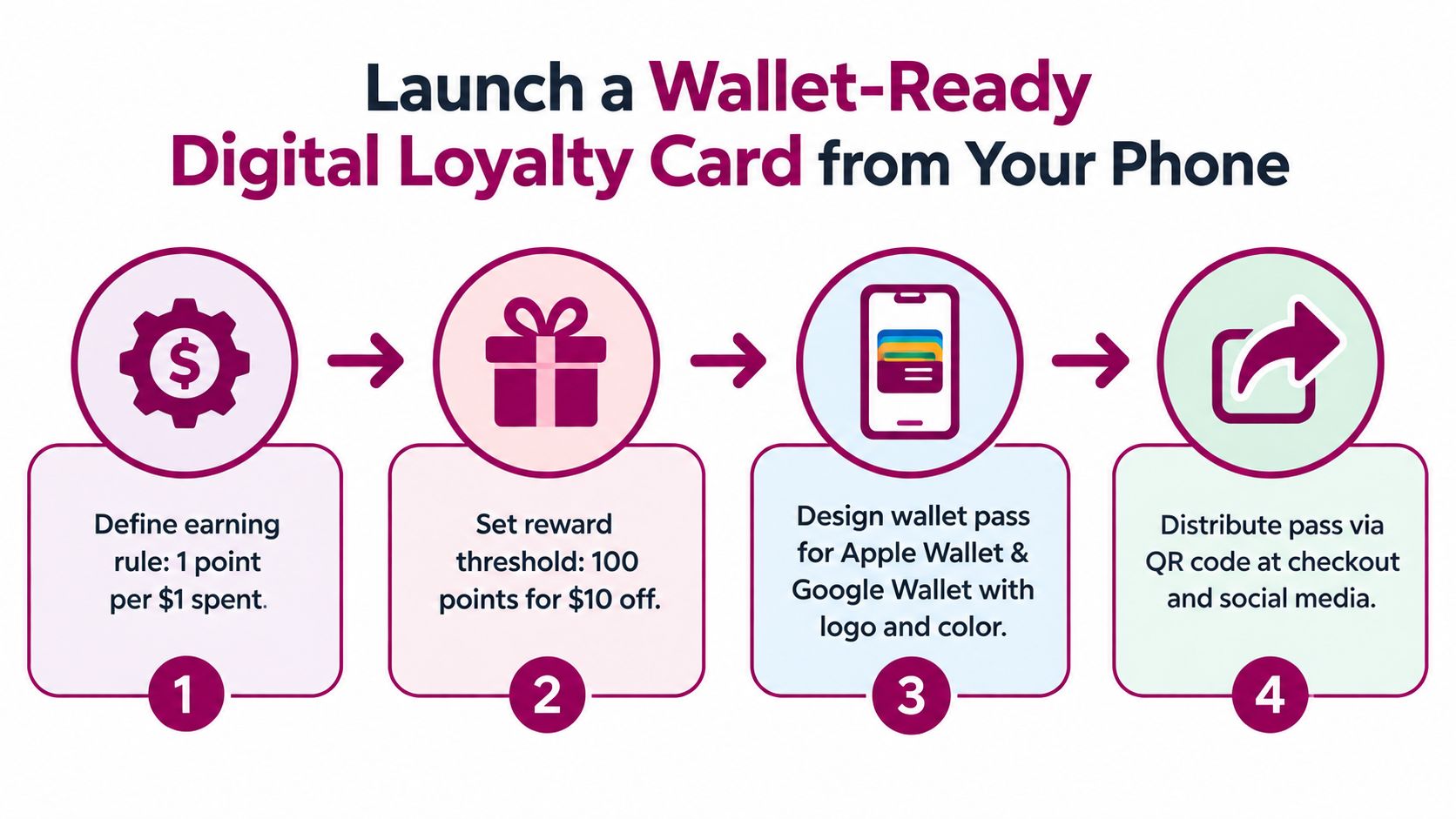
The best small-business setups are boring in a good way. You define the earning rule, set the reward, brand the pass, and start issuing it from your phone. No long implementation project. No need to train staff on a dozen screens.
Start with the earning rule
Keep the rule obvious. If you run points, tie them to spend in a way staff can remember. If you run stamps, tie them to a visit or a qualifying purchase that's easy to recognise.
Then set the reward threshold. Small businesses get into trouble when the reward feels so distant that customers stop caring before they get there.
Build the pass for wallets, not for screenshots
A wallet pass should behave like a live card, not a static image. The balance needs to update. The reward status needs to be visible. The design should be clean enough that staff can recognise it at a glance during a rush.
For merchants that want a phone-first setup, Apple Wallet pass guidance from Loyal Customer shows the kind of workflow that works for points and stamp programs. Loyal Customer is one option in this category. It lets merchants run points or digital stamp cards from a phone and issue wallet-ready passes for Apple Wallet and Google Wallet.
Practical rule: If a customer can't join in seconds at the counter, the setup is too complicated.
Keep the join flow short
The easiest launches use a QR code at checkout, a link in Instagram bio, or a message sent after booking. The customer taps, adds the pass, and that's it. Apple Wallet and Google Wallet already exist on the phone. That's why wallet-native distribution works so well for independent businesses.
If you're testing the idea, a free trial is the sensible way to do it. Launch a basic version, enroll real customers, and see whether staff use it during live service. That tells you more than any feature checklist.
Running Rewards Day to Day Without Extra Hardware
Most small merchants don't need a scanner tower, custom terminal, or deep POS integration to run a useful loyalty program. They need a fast routine staff can repeat without slowing the queue.
What the daily workflow should feel like
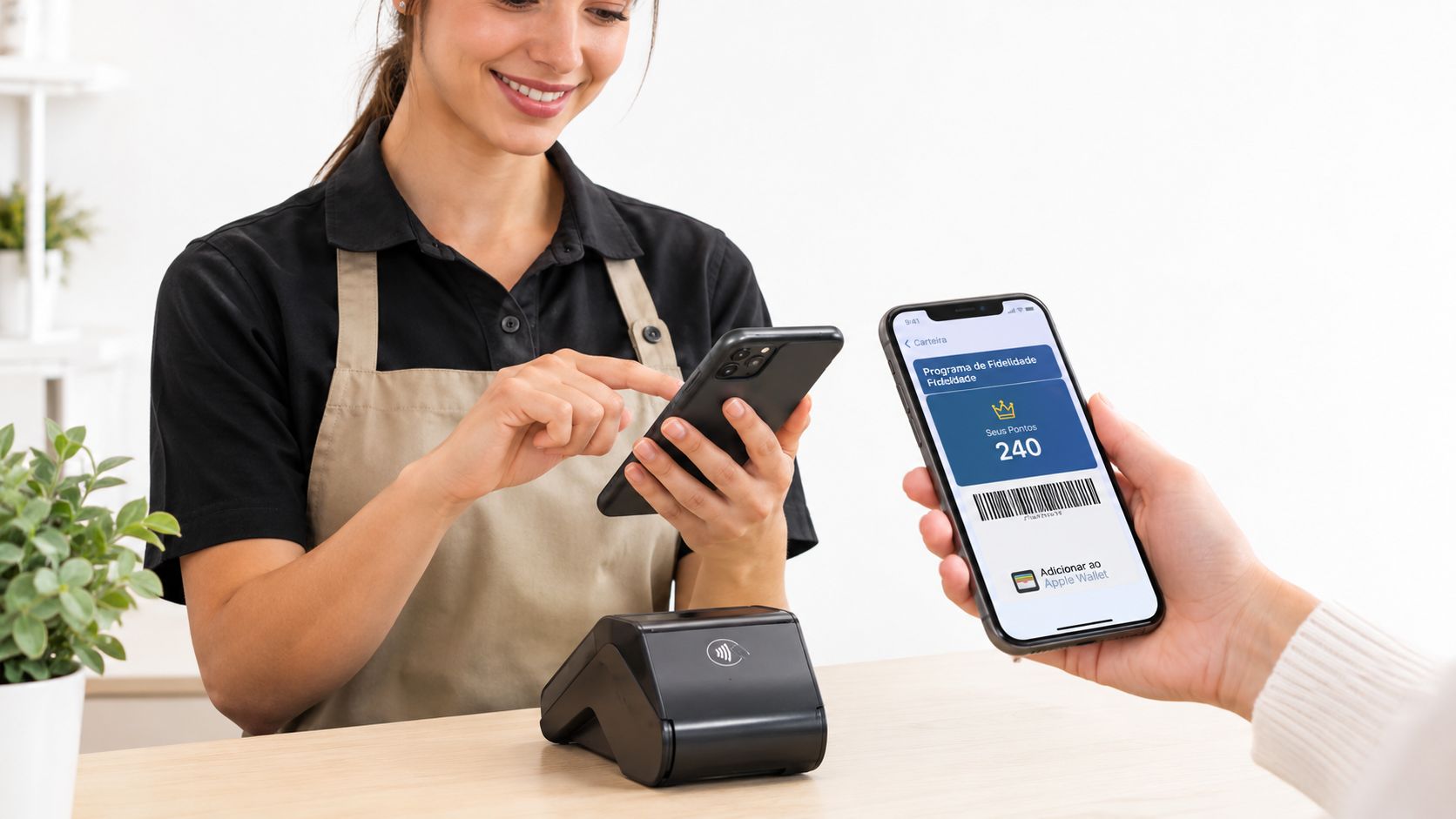
At checkout, staff either add a point balance or add a stamp. When the customer qualifies for a reward, staff redeem it and move on. The customer should be able to see the updated balance on the pass without asking for a receipt explanation.
That's why wallet passes are practical. The card is on the phone, easy to present, and visible enough that customers remember they have it.
Where small teams usually go wrong
They make the loyalty step feel separate from service. Staff have to switch tools, hunt for the customer, or explain a complicated rule while people wait behind them. If that happens, the program gets skipped during busy periods.
Keep the operating pattern tight:
- At cafés and bakeries: Use a visit or item-based flow staff can apply in one tap.
- At salons and barbers: Add rewards at checkout while rebooking the next appointment.
- At gyms and studios: Use the pass as a simple membership or visit tracker customers can show on entry.
- At retail counters: Make redemption obvious so staff know when to apply the reward and close the sale.
Keep the pass visible on the lock screen and the redemption rule visible to staff. If both sides can see the next step, the program gets used.
Why wallet-native beats app-heavy setups here
Available benchmark data shows average redemption rates of 28% to 34% for Apple Wallet and Google Wallet passes, compared with 8% to 12% for paper stamp cards and 22% to 27% for branded loyalty apps. The same benchmark reports wallet-pass push notifications at about a 90% open rate, versus roughly 15% to 25% for branded app push notifications and about 20% for email (UK loyalty programme statistics).
For day-to-day use, that lines up with what operators see on the floor. If customers don't need to install an app, the program gets used more often.
How to Know Your Digital Loyalty Card Is Actually Working
A digital loyalty card isn't working because lots of people signed up once. It's working when active customers keep using it and redemptions keep happening.
The numbers that matter
The strongest operating pattern is to treat the pass like a live marketing channel. Track installs, active passes, opens, notifications viewed, redemptions, and revenue per active pass. Then review changes by cohort, week by week, to see whether the design, reward, or messaging improved actual usage.
That approach is described well in this overview of rewards program software, especially if you want a merchant-level way to think about loyalty performance instead of just card distribution.
The vanity metric to ignore
Installs alone can fool you. A pass can sit dormant for months and still make your signup count look healthy. If active-pass retention is weak and redemptions are flat, the program isn't doing much.
One implementation example in industry coverage tracked 18,400 installs, 16,900 active passes, 7,950 redemptions, and 12.5% redemptions per impression, showing how a wallet pass can be managed as a measurable channel rather than a static membership card (mobile wallet loyalty metrics).
Benchmarks that help you stay realistic
If you're replacing paper, the move is worth measuring properly. One industry summary reports that paper punch cards can see a 60% to 70% loss rate and only an 18% to 25% completion rate, while wallet-native digital loyalty cards reach 65% to 75% completion rates. The same source describes that as roughly a 3x improvement in completion versus paper. It also cites 43% of UK consumers preferring digital loyalty cards over physical ones, while 32% used a digital card in Canada in 2023 (paper versus digital loyalty benchmarks).
Watch active passes and redemptions every week. Those two numbers tell you whether the program lives on customers' phones or just passed through them once.
Your Next Move to Keep Customers Coming Back
A good loyalty setup for a small business is usually simpler than owners expect. Pick points if spend varies and you want reward flexibility. Pick stamps if repeat visits are the habit you're trying to grow.
Then keep the delivery wallet-native. Industry material points to 4.5 billion digital wallet users worldwide in 2025, equal to over 54% of the global population, and says 70% of global digital wallet users prefer wallets that integrate loyalty and rewards programmes (digital wallet loyalty adoption). That's why phone-first loyalty isn't just a convenience upgrade anymore. It matches how people already carry credentials.
Before you launch, check four basics:
- Reward fit: Does the reward match what customers buy often enough to care?
- Staff speed: Can your team add and redeem rewards without stopping the line?
- Wallet delivery: Can customers save the pass without downloading another app?
- Privacy basics: Are you collecting only the customer data you need, and are you verifying identity properly when rewards are earned or redeemed?
That last point matters more than many merchants realise. In February 2026, Turkey's data protection board said loyalty programs must stop workflows that let someone earn or redeem points by merely stating a phone number or loyalty card number at checkout without a verification step, and controllers were given six months to comply (Turkey loyalty program privacy decision). Even if you don't operate there, the design lesson is clear. Convenience can't replace verification and consent.
Start small. Measure redemptions. Then adjust the reward, design, or message based on active-pass behaviour instead of gut feel.
If you want to run a digital loyalty card without paper cards or a customer app download, Loyal Customer gives you a way to launch points programs or digital stamp cards from your phone and issue passes for Apple Wallet and Google Wallet. You can see how it fits your counter workflow and test the setup with a free trial at Loyal Customer.