You don't need a physical storefront to run a loyalty program. If you're selling handmade jewelry on Instagram, baked goods through WhatsApp, art prints on Etsy, or anything else online — you can reward your repeat customers with a points-based loyalty program using Loyal Customer.
Here's how to set it up, and why it works.
Why Online Businesses Need Loyalty Programs
If you're running an online business, you already know the hard part isn't making the first sale — it's getting customers to come back. A loyalty program solves this by giving customers a reason to return:
- Repeat purchases increase. Customers earn points with every order, so they have an incentive to buy from you again instead of a competitor.
- Word of mouth grows. Customers with loyalty cards tend to mention your business to friends — especially when they're close to earning a reward.
- You stand out. Most small online sellers don't offer loyalty programs. Having one makes your business feel more professional and established.
The best part? You can build and preview your program for free, then start a free trial — no credit card needed to begin.
Step 1: Sign Up and Register Your Business
Download the Loyal Customer app from the App Store or Google Play, or sign up at loyalcustomer.app.
When registering your business, here are a few tips for online sellers:
- Business Name: Use the name your customers know you by (your Instagram handle, Etsy shop name, or brand name)
- Business Type: Choose the category that best fits — Retail, Food & Beverage, Arts & Crafts, or General
- Logo: Upload your brand logo or profile image. This appears on your customers' digital loyalty cards in Apple and Google Wallet
- Address: If you don't have a physical location, use your city or region — customers won't see your full address
Step 2: Configure Your Points Engine
This is where you decide how customers earn points. For online businesses, the simplest approach works best:
Option A: Points Per Dollar
Set a simple rate like 1 point per $1 spent. A customer who places a $30 order earns 30 points.
$15 order → 15 points
$30 order → 30 points
$50 order → 50 points
Option B: Tiered Points
Reward bigger orders more generously to encourage larger purchases:
| Order Amount | Points Earned |
|---|---|
| $1 – $19.99 | 10 points |
| $20 – $49.99 | 30 points |
| $50+ | 60 points |
Tip: Keep it simple. If a customer can't quickly figure out how many points they'll earn, the program loses its pull.
Step 3: Design Your Loyalty Card
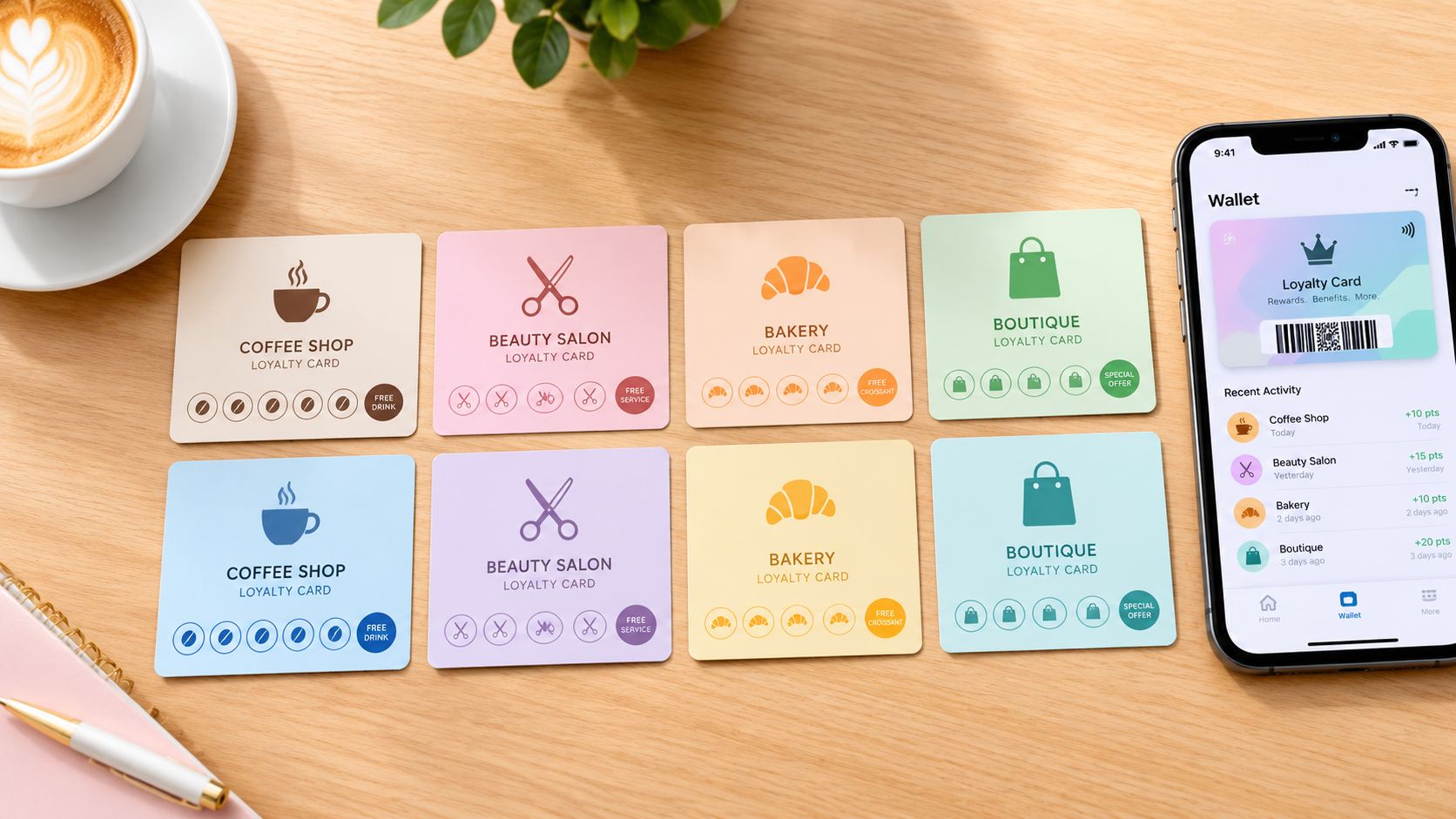
Customize the look of the digital loyalty card your customers will add to their phone:
- Choose a card color that matches your brand
- Add your logo so it's instantly recognizable in their wallet
- Set a card title — something like "VIP Rewards" or "[Your Brand] Points"
When customers add this card to Apple Wallet or Google Wallet, they'll see your branding every time they open their phone. That's free brand visibility.
Step 4: Create Reward Offers
Set up what customers can redeem their points for. Here are ideas that work well for online businesses:
For Social Media Sellers
- 100 points → Free shipping on next order
- 200 points → 15% off any item
- 500 points → Free item of choice (up to $25 value)
For Artists & Crafters
- 75 points → Free sticker pack with next order
- 150 points → 20% off a custom commission
- 300 points → Free print or small piece
For Online Food Businesses
- 50 points → Free cookie/sample with next order
- 100 points → Free delivery
- 250 points → Free dozen/box upgrade
The key is making rewards feel achievable. If it takes 50 orders to earn a reward, nobody will bother. Aim for something reachable in 3–5 purchases.
Step 5: Share Your Program Link with Customers
Once your loyalty program is set up, you get a unique branded page URL. This is how customers sign up and get their digital loyalty card.
Here's where online sellers have an advantage — you already have direct channels to your customers:
Instagram / TikTok
- Add your loyalty link to your bio (use Linktree or similar if your bio slot is taken)
- Post a Story: "We now have a rewards program! Tap the link in bio to earn points on every order 🎁"
- Include it in your DM order confirmations: "Thanks for your order! Join our rewards program to earn points: [link]"
WhatsApp / Messenger
- Send your loyalty link directly when confirming orders
- Add it to your broadcast list messages
Etsy / Online Store
- Include the link in your package insert (a small card in every shipment)
- Add it to your order confirmation email or thank-you message
- Mention it in your shop announcement or About section
Email Newsletter
- Announce the program to your existing customer list
- Include the link in every order confirmation footer
Step 6: Add Points When Customers Order
When a customer places an order, here's the workflow:
- Open the Loyal Customer app
- Scan their loyalty card QR code (they can show it from their phone's wallet), or find them in your customer list
- Add the appropriate points based on their order total
It takes about 5 seconds. You can do it right after you confirm an order — whether that's through DM, your website checkout, or any other channel.
Real-World Example: An Instagram Jewelry Seller
Let's say you sell handmade earrings on Instagram with an average order of $25.
Points setup: 1 point per $1 spent
Rewards:
- 50 points → Free pair of stud earrings with next order
- 100 points → 20% off any item
- 200 points → Free item up to $30
A customer who orders twice ($25 × 2 = 50 points) already earns their first reward. That's a powerful incentive to come back for a third order — and they'll probably tell a friend too.
Why Loyal Customer Works for Online Businesses
- No physical POS needed — everything runs from your phone
- Customers don't need an app — they just add a card to their phone's wallet
- Your branded page handles signups — just share the link
- Apple & Google Wallet passes keep your brand visible on their phone
- Start with a free trial — build and preview your program before paying anything
Get Started Today
When you're ready to go live, the $12/month plan covers up to 100 customers. Need more? Contact us for a custom plan.